1
Adva__ced playback
Sma,'_tBGM Option
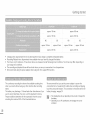
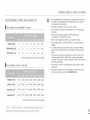
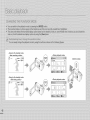
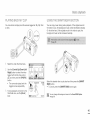
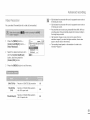
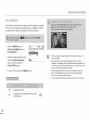
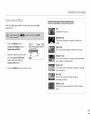
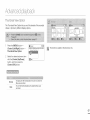
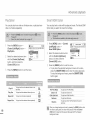
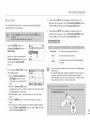
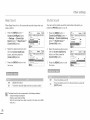
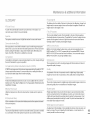
You can play back one video or all videos once, or play back one
video or all videos repeatedly.
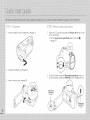
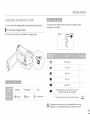
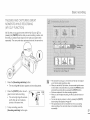
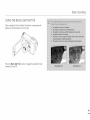
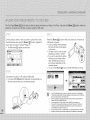
Press the [MENU] button
[Control (Left/Right)] button
PlayOption.
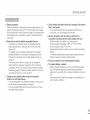
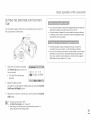
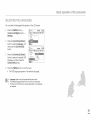
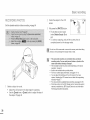
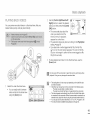
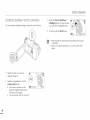
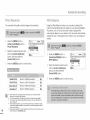
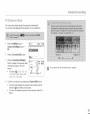
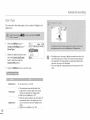
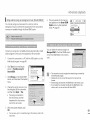
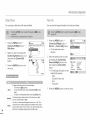
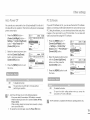
You can play back a video with background music. The Smart BGM
Option lets you select the music that will play.
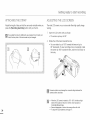
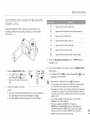
1
Press [MENU] button _ [Control
(Left/Right)] button
Smart BGM Option.
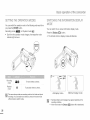
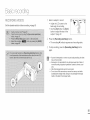
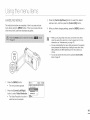
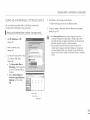
2
Select the desired submenu item
Select the desired submenu item
with the [Control (Up/Down)]
button, and then press the
[Control (OK)] button.
with the [Control (Up/Down)]
button, and then press the
[Control (OK)] button.
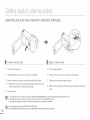
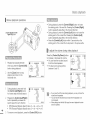
1"3 Press the [MENU] button to exit the menu.
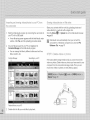
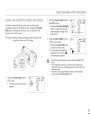
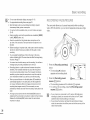
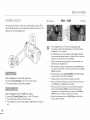
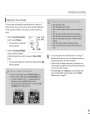
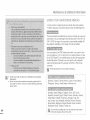
o To play back the selected background music with a video,
press the [SMART BGM] button when the video plays back.
To stop the background music, press the [SMART BGM]
button again.
i"3 Press the [MENU] button to exit the menu.
!
!!! !lili! iilii!i!
!i!iiJi
!lii!!!iiiiiii! !i
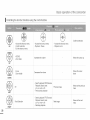
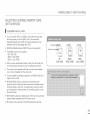
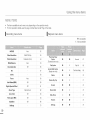
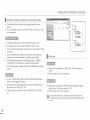
Play
Play
Repeat
Repeat
All
One
TOlastPlaYvideo.back
from
the selected
To play back
the selected
All
To play back
all videos
One
To play back
the selected
video
video
to the
only once.
_,
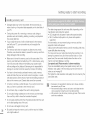
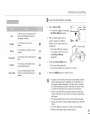
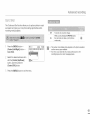
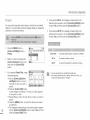
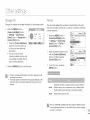
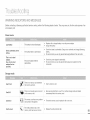
The Flea Waltz
Canon in D
Cello Suite No.1
Nocturne
=_
repeatedly.
video
repeatedly.
Random
_]
To playbackThe FleaWaltz.
To playbackCanoninD.
To playbackCelloSuiteNo.1.
To playbackNocturne.
To play back
randomly.
from
The
Flea Waltz
to Nocturne
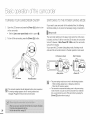
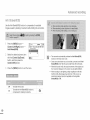
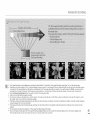
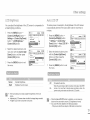
When you change background music by pressing the [MENU] button while
the video is playing back, the video will be paused. Press the [Control
(OK)] button to play back the paused video again with the changed
background music.