1
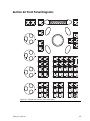
Section 39: Servicing
Appendices
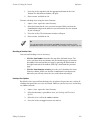
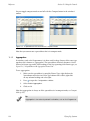
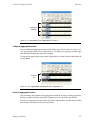
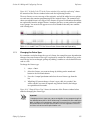
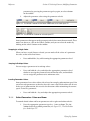
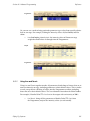
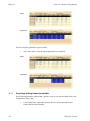
10. Replace the cleaned fader. See Replacing Faders (p.418).
39.4
Replacing the Trackball
!
Caution
Always shut down and disconnect the mains power before removing the
front panel.
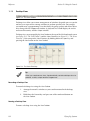
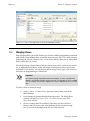
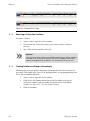
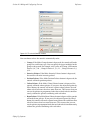
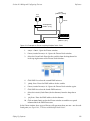
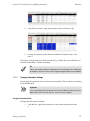
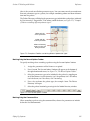
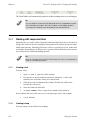
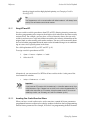
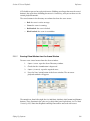
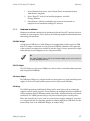
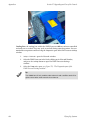
To replace the Trackball:
1.
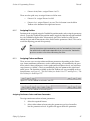
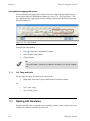
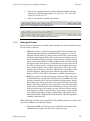
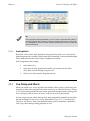
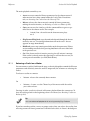
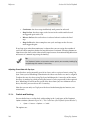
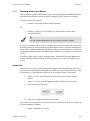
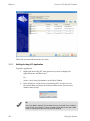
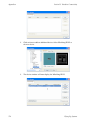
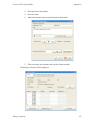
Remove the front panel. See Replacing Faders (p.418) steps 1 to 3.
2.
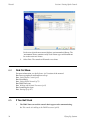
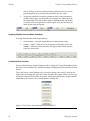
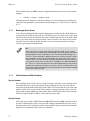
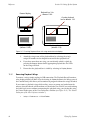
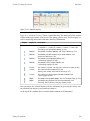
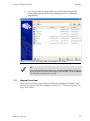
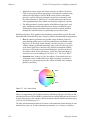
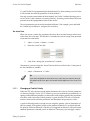
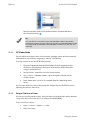
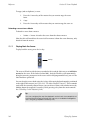
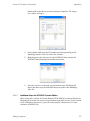
Lift track ball out of its bezel.
3.
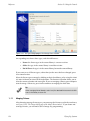
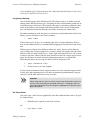
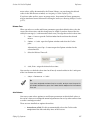
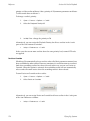
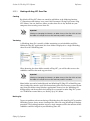
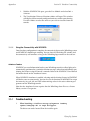
Unplug the cable assembly from the trackball PCB
»
4.
Flying Pig Systems
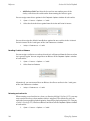
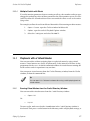
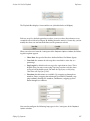
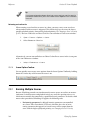
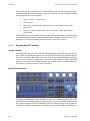
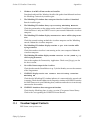
Reconnect and replace new Trackball.
Important
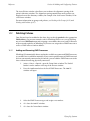
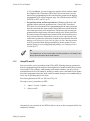
The only occasion on which the front panel PCB itself needs to be removed
is to access the mass storage devices underneath; a procedure beyond the
scope of this manual.
419