1
Section 20: Working with Cue Timing and Ordering
Reference
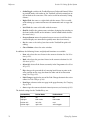
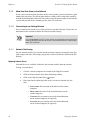
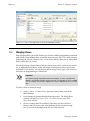
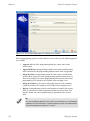
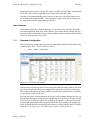
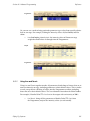
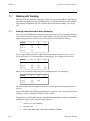
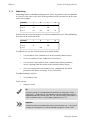
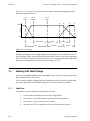
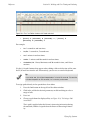
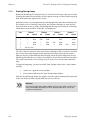
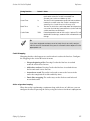
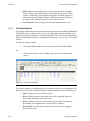
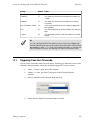
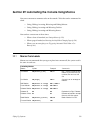
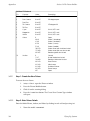
• Manual: A manual cue can only be triggered by pressing the Go key.
This stops the cuelist until the Go key is pressed, irrespective of any
wait, follow or timecode triggers that later cues in the list may have.
Manual cues are useful because the word ‘Manual’ appears in the
Cuelist window to remind the operator that they need to press the Go
key. They are also useful to prevent times being recorded into the Wait
column when using Learn Timing (p.237).
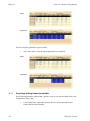
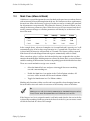
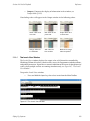
• Clock: The cue is triggered when this real-world time and date is reached
on the Wholehog OS built in clock; see Clock Triggers (p.238).
20.3.1
Learn Timing
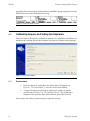
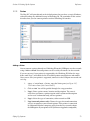
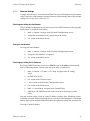
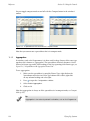
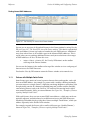
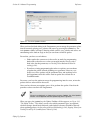
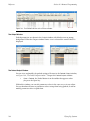
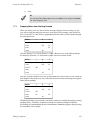
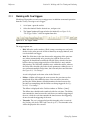
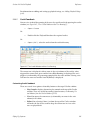
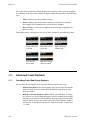
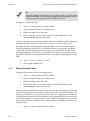
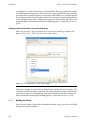
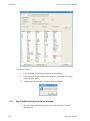
You can use Learn Timing to assign cue trigger timing values by operating the cues
with the Go key manually once. The console can either assign wait times to replicate
your timing, or assign the cue trigger to a frame value of a running timecode.
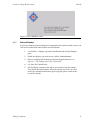
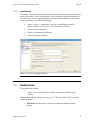
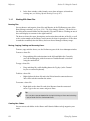
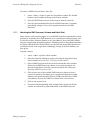
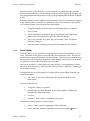
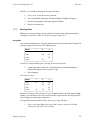
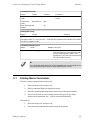
To use Learn Timing with timecode:
1.
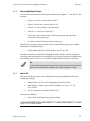
Open, Choose : open the Cuelist window of the required cuelist.
2.
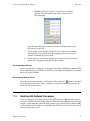
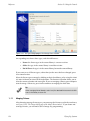
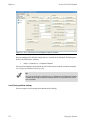
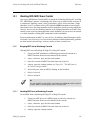
Options → Cuelist Options : open the Cuelist pane of the cuelist's Options
window.
3.
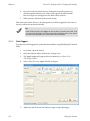
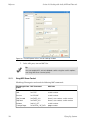
Select Enable Timecode, and choose a timecode source. Close the Options window.
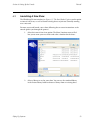
4.
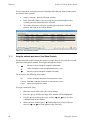
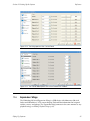
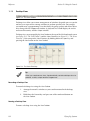
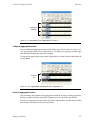
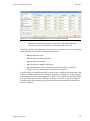
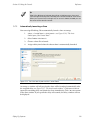
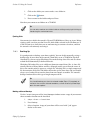
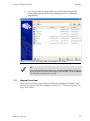
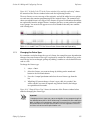
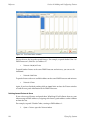
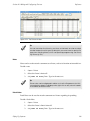
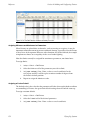
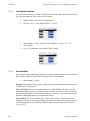
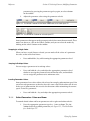
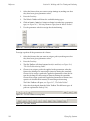
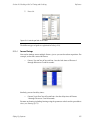
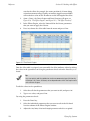
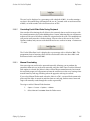
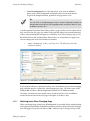
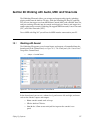
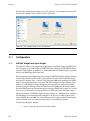
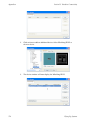
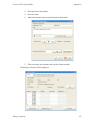
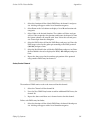
In the Cuelist window, click View Timecode. The Timecode Toolbar
will open.
5.
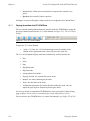
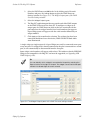
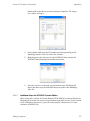
If your timecode source is not currently running, click Simulate on the
Timecode Toolbar to have the console create a timecode source. Controls
for the timecode will appear.
6.
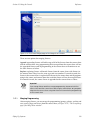
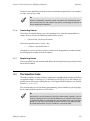
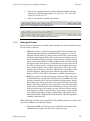
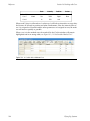
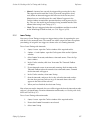
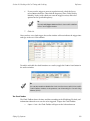
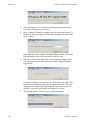
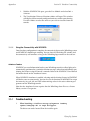
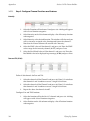
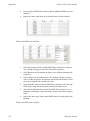
In the Cuelist window, select Learn Timing.
7.
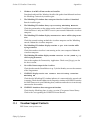
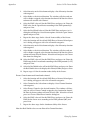
Start the timecode, and press the Go key when the timecode reaches
the time that you want each cue to go. A timecode frame value will
appear in the Wait cell for each cue.
8.
When you have finished, deselect Learn Timing.
Now when you run the timecode, the cues will be triggered when the timecode reaches
each cue's assigned frame. For more information on timecode, see Working with Audio,
MIDI and Timecode (p.317).
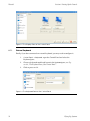
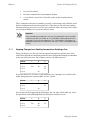
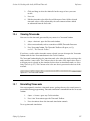
To use Learn Timing without timecode:
1.
Open, Choose : open the Cuelist window of the required cuelist.
2.
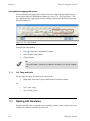
Ensure that Enable Timecode is not selected.
3.
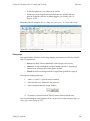
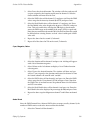
Select Learn Timing.
Flying Pig Systems
237