1
Preface
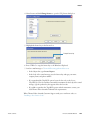
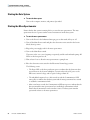
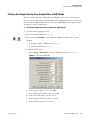
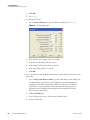
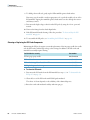
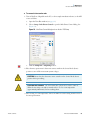
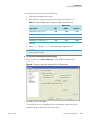
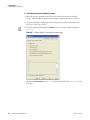
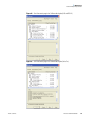
4. Select License and click Change License to open the LTQ License dialog box.
5. Highlight the license key in the License box.
Example license key
6. Press CTRL+C to copy the license key to the Windows Clipboard.
7. Send an e-mail message to [email protected]:
• In the Subject line, type License Request.
• In the body of the e-mail message, paste the license key and type your name,
company name, and phone number.
• If you purchased the Trap-HCD option, locate the bar code on the License
Trap-HCD for Velos Pro card that came with the instrument. In the body of the e-mail
message, type the product key that appears below the bar code.
• If you did not purchase the Trap-HCD option with the instrument, contact your
local Thermo Fisher Scientific Technical Sales representative.
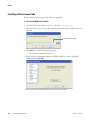
When Thermo Fisher Scientific Customer Support sends you a new license code, see
“Installing a New License Code.”
Thermo Scientific
LTQ Series Hardware Manual
xxiii