1
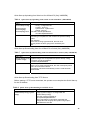
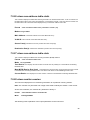
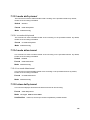
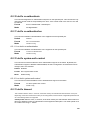
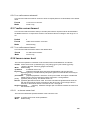
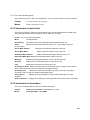
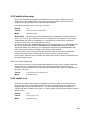
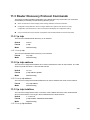
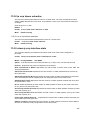
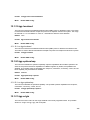
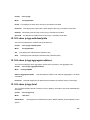
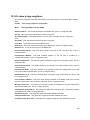
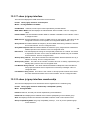
13.4.6 show ip pimdm interface stats
This command displays the statistical information for PIM-DM on the specified interface.
Format show ip pimdm interface stats {<unit/slot/port> | all}
Mode Privileged EXEC and User EXEC
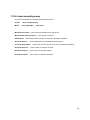
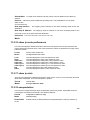
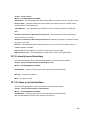
Interface Valid unit, slot and port number separated by forward slashes.
IP Address This field indicates the IP Address that represents the PIM-DM interface.
Nbr Count This field displays the neighbor count for the PIM-DM interface.
Hello Interval This field indicates the time interval between two hello messages sent from the
router on the given interface.
Designated Router This indicates the IP Address of the Designated Router for this interface.
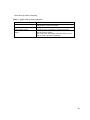
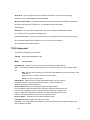
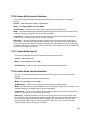
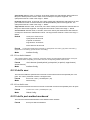
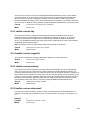
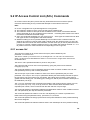
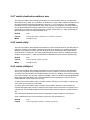
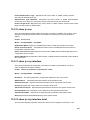
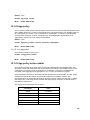
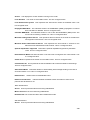
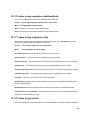
13.4.7 show ip pimdm neighbor
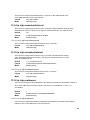
This command displays the neighbor information for PIM-DM on the specified interface.
Format show ip pimdm neighbor {<unit/slot/port> | all}
Mode Privileged EXEC and User EXEC
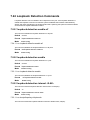
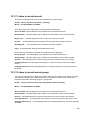
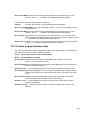
Neighbor Address This field displays the IP Address of the neighbor on an interface.
Interface Valid unit, slot and port number separated by forward slashes.
Up Time This field indicates the time since this neighbor has become active on this interface.
Expiry Time This field indicates the expiry time of the neighbor on this interface.
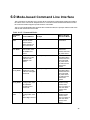
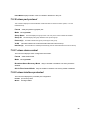
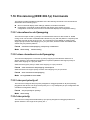
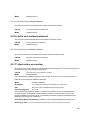
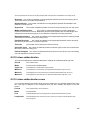
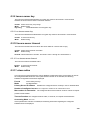
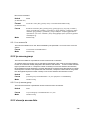
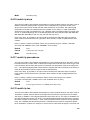
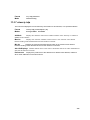
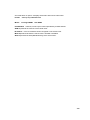
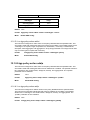
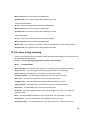
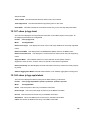
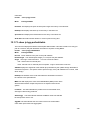
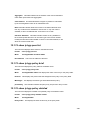
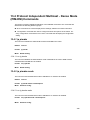
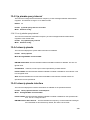
13.4.8 show ip pimdm componenttable
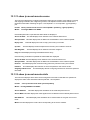
This command displays the table containing objects to a PIM domian.
Format show ip pimdm componenttable
Mode Privileged EXEC and User EXEC
355