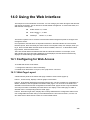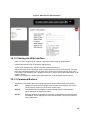
1
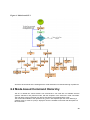
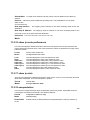
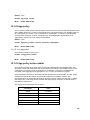
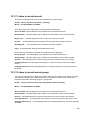
z May encounter lag times on poor
popular browsers
connections
z Can be accessed from
any location
z Most visually appealing
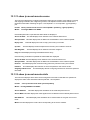
z Communicates with
z Requires SNMP manager
switch functions at the
software
MIB level
z Least visually appealing of all
z Based on open standards
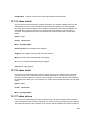
three methods
SNMP Agent
z Some settings require
calculations
z Security can be compromised
(hackers need only know the
community name)
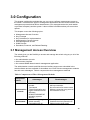
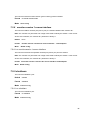
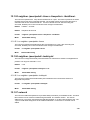
3.1.1 Administration Console
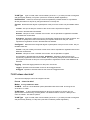
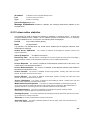
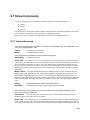
The administration console is an internal, character-oriented, and command line user
interface for performing system administration such as displaying statistics or changing
option settings. Using this method, you can view the administration console from a
terminal, personal computer, Apple Macintosh, or workstation connected to the switch’s
console (serial) port.
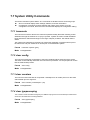
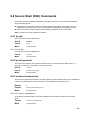
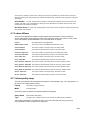
There are two ways to use this management method: via direct access or modem port
access. The following sections describe these methods. For more information about using
the console, refer to Chapter 4 Command Line Interface Console Management.
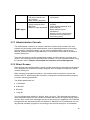
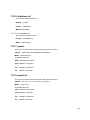
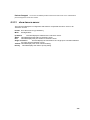
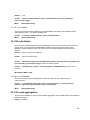
3.1.2 Direct Access
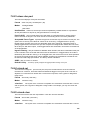
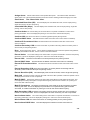
Direct access to the administration console is achieved by directly connecting a terminal or
a PC equipped with a terminal-emulation program (such as HyperTerminal) to the switch
console (serial) port.
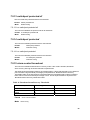
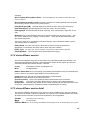
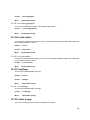
When using this management method, a null-modem cable is required to connect the
switch to the PC. After making this connection, configure the terminal-emulation program
to use the following parameters:
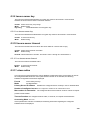
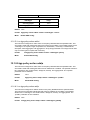
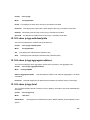
The default parameters are:
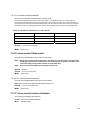
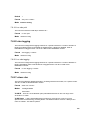
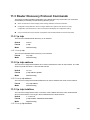
z
115,200 bps
z
8 data bits
z
No parity
z
1 stop bit
You can change these settings, if desired, after you log on. This management method is
often preferred because you can remain connected and monitor the system during system
reboots. Also, certain error messages are sent to the serial port, regardless of the interface
through which the associated action was initiated. A Macintosh or PC attachment can use
any terminal-emulation program for connecting to the terminal serial port. A workstation
35