1
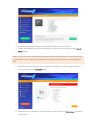
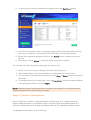
2. If not already selected, select PC Optimizer from the menu on the left
3.
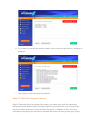
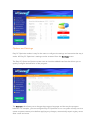
Select the checkboxes for all the categories you wish to scan and click on the Start
Scan button
Note: if you wish to learn more about a category before you start the scan, simply hover your
mouse pointer over its name. A detailed category description will appear on the right-hand
side.
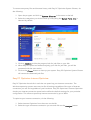
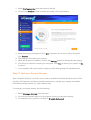
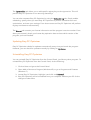
4. Easy PC Optimizer will scan your computer for problems. You can always cancel the
scan by clicking on the Cancel button
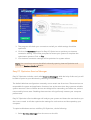
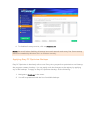
5. When the scan is complete, review the scan results and click on Fix Errors to perform
optimization