1
Bringing Java Classes and Methods into MATLAB
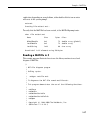
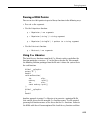
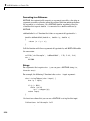
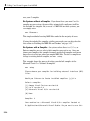
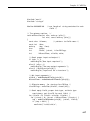
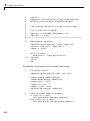
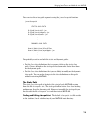
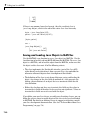
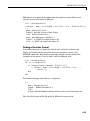
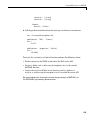
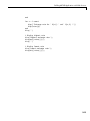
You can view these two path segments using the javaclasspath function:
javaclasspath
STATIC JAVA PATH
D:\Sys0\Java\util.jar
D:\Sys0\Java\widgets.jar
D:\Sys0\Java\beans.jar
.
.
DYNAMIC JAVA PATH
User4:\Work\Java\ClassFiles
User4:\Work\Java\mywidgets.jar
.
.
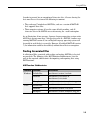
You probably want to use both the static and dynamic paths:
• Put the Java class definitions that are more stable on the static class
path. Classes defined on the static path load somewhat faster than those
on the dynamic path.
• Put the Java class definitions that you are likely to modify on the dynamic
class path. You can make changes to the class definitions on this path
without restarting MATLAB.
The Static Path
The static Java class path is loaded at the start of each MATLAB session
from the file classpath.txt. The static path offers better Java class loading
performance than the dynamic path. However, to modify the static path you
need to edit the file classpath.txt and then restart MATLAB.
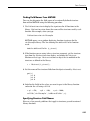
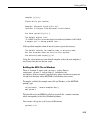
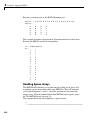
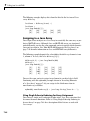
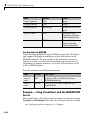
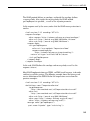
Finding and Editing classpath.txt. The default classpath.txt file resides
in the toolbox\local subdirectory of your MATLAB root directory:
7-9