1
10
Serial Port I/O
Writing and Reading Data
For many serial port applications, there are three important questions that
you should consider when writing or reading data:
• Will the read or write function block access to the MATLAB command line?
• Is the data to be transferred binary (numerical) or text?
• Under what conditions will the read or write operation complete?
For write operations, these questions are answered in “Writing Data” on
page 10-34. For read operations, these questions are answered in “Reading
Data” on page 10-39.
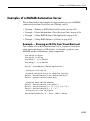
Example — Introduction to Writing and Reading Data
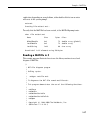
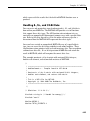
Suppose you want to return identification information for a Tektronix TDS
210 two-channel oscilloscope connected to the serial port COM1. This requires
writing the *IDN? command to the instrument using the fprintf function,
and reading back the result of that command using the fscanf function.
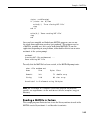
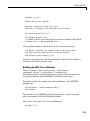
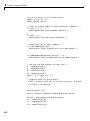
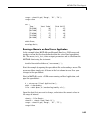
s = serial('COM1');
fopen(s)
fprintf(s,'*IDN?')
out = fscanf(s)
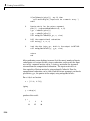
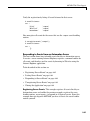
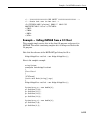
The resulting identification information is as follows.
out =
TEKTRONIX,TDS 210,0,CF:91.1CT FV:v1.16 TDS2CM:CMV:v1.04
End the serial port session.
fclose(s)
delete(s)
clear s
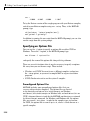
Controlling Access to the MATLAB Command Line
You control access to the MATLAB command line by specifying whether a
read or write operation is synchronous or asynchronous.
10-32