1
Building MEX-Files
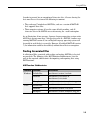
Testing Your Configuration on UNIX
The quickest way to check if your system is set up properly to create MEX-files
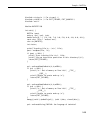
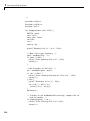
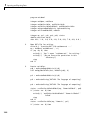
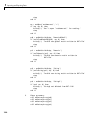
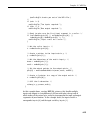
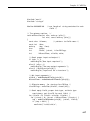
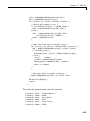
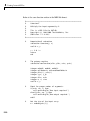
is by trying the actual process. There is C source code for an example,
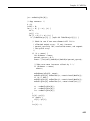
yprime.c, and its Fortran counterpart, yprimef.F and yprimefg.F, included
in the matlabroot/extern/examples/mex directory, wherematlabroot
represents the top-level directory where MATLAB is installed on your system.
To compile and link the example source files, yprime.c or yprimef.F and
yprimefg.F, on UNIX, you must first copy the file(s) to a local directory, and
then change directory (cd) to that local directory.
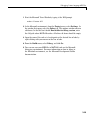
At the MATLAB prompt, type
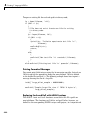
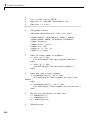
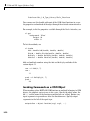
mex yprime.c
This uses the system compiler to create the MEX-file called yprime with the
appropriate extension for your system.
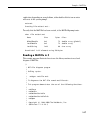
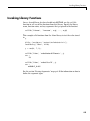
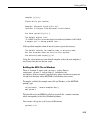
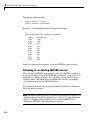
You can now call yprime as if it were an M-function:
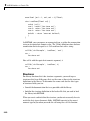
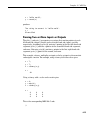
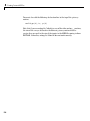
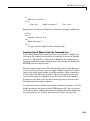
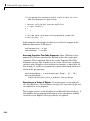
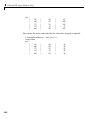
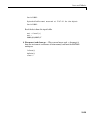
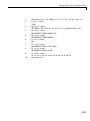
yprime(1,1:4)
ans =
2.0000
8.9685
4.0000
-1.0947
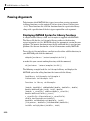
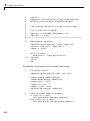
To try the Fortran version of the sample program with your Fortran compiler,
at the MATLAB prompt, type
mex yprimef.F yprimefg.F
In addition to running the mex script from the MATLAB prompt, you can also
run the script from the system prompt.
Selecting a Compiler
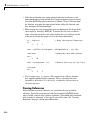
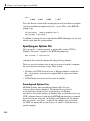
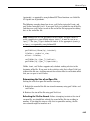
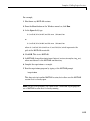
To change your default compiler, you select a different options file. You can do
this anytime by using the command
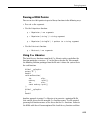
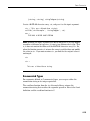
mex -setup
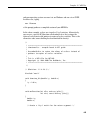
Using the 'mex -setup' command selects an options file that is
placed in ~/matlab and used by default for 'mex'. An options
3-11