1
2
MATLAB Interface to Generic DLLs
Getting Information About the Library
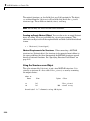
You can use either of two functions to get information on the functions
available in a library that you have loaded:
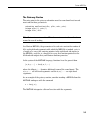
libfunctions('libname')
libfunctionsview('libname')
The main difference is that libfunctions displays the information in the
MATLAB Command Window (and you can assign its output to a variable),
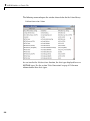
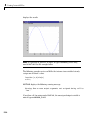
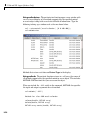
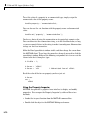
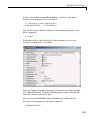
and libfunctionsview displays the information as a graphical display in a
new window.
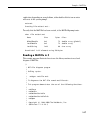
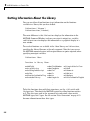
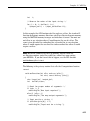
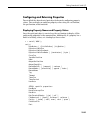
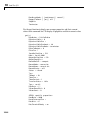
To see what functions are available in the libmx library, use libfunctions,
specifying the library filename as the only argument. Note that you can use
the MATLAB command syntax (with no parentheses or quotes required) when
specifying no output variables:
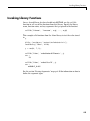
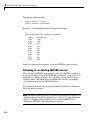
libfunctions libmx
Functions in library libmx:
mxAddField
mxArrayToString
mxCalcSingleSubscript
mxCalloc
mxClearScalarDoubleFlag
mxCreateCellArray
.
.
.
mxGetFieldNumber
mxGetImagData
mxGetInf
mxGetIr
mxGetJc
mxGetLogicals
.
.
.
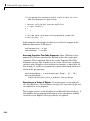
mxIsLogicalScalarTrue
mxIsNaN
mxIsNumeric
mxIsObject
mxIsOpaque
mxIsScalarDoubleFlagSet
.
.
.
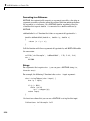
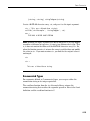
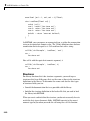
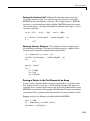
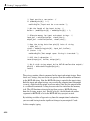
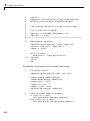
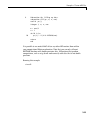
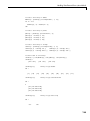
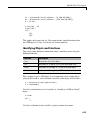
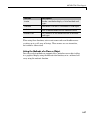
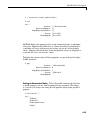
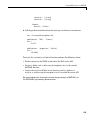
To list the functions along with their signatures, use the -full switch with
libfunctions. This shows the MATLAB syntax for calling functions written
in C. The data types used in the argument lists and return values match
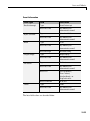
MATLAB types, not C types. See the section “Data Conversion” on page 2-15
for more information on these data types.
2-6