1
Creating and Using Java Objects
Concatenating Java Objects
You can concatenate Java objects in the same way that you concatenate native
MATLAB data types. You use either the cat function or the [] operators to tell
MATLAB to assemble the enclosed objects into a single object.
Concatenating Objects of the Same Class
If all of the objects being operated on are of the same Java class, the
concatenation of those objects produces an array of objects from the same class.
In the following example, the cat function concatenates two objects of the
class java.awt.Point. The class of the result is also java.awt.Point.
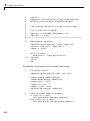
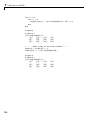
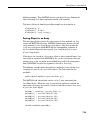
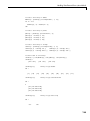
point1 = java.awt.Point(24,127);
point2 = java.awt.Point(114,29);
cat(1, point1, point2)
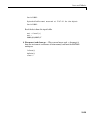
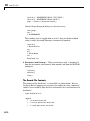
ans =
java.awt.Point[]:
[1x1 java.awt.Point]
[1x1 java.awt.Point]
Concatenating Objects of Unlike Classes
When you concatenate objects of unlike classes, MATLAB finds one class
from which all of the input objects inherit, and makes the output an instance
of this class. MATLAB selects the lowest common parent in the Java class
hierarchy as the output class.
For example, concatenating objects of java.lang.Byte, java.lang.Integer,
and java.lang.Double yields an object of java.lang.Number, since this is
the common parent to the three input classes.
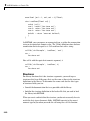
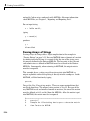
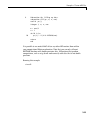
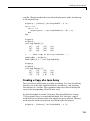
byte = java.lang.Byte(127);
integer = java.lang.Integer(52);
double = java.lang.Double(7.8);
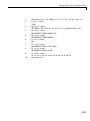
[byte; integer; double]
ans =
java.lang.Number[]:
7-19