1
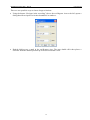
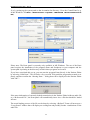
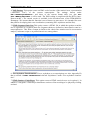
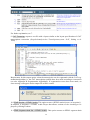
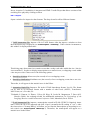
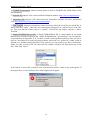
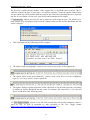
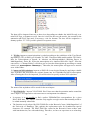
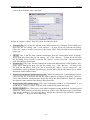
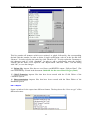
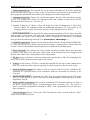
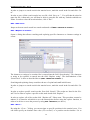
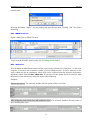
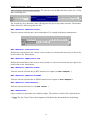
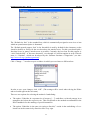
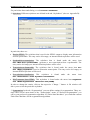
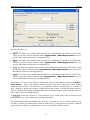
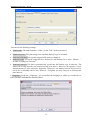
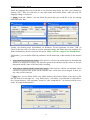
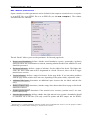
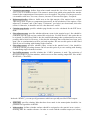
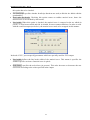
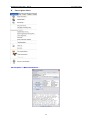
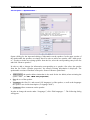
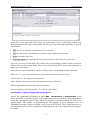
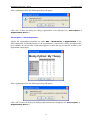
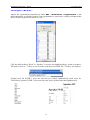
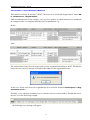
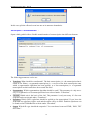
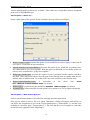
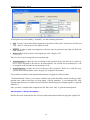
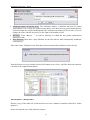
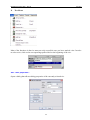
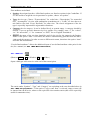
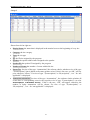
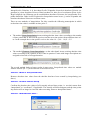
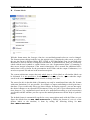
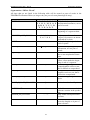
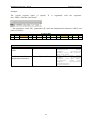
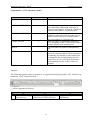
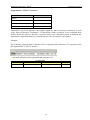
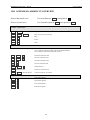
EXMARaLDA Partitur-Editor – Manual Edit Menu For particulars about underlining, see also Format > Underline 2. Stylesheets: Different stylesheets are defined in the tab “Stylesheets” (also see Appendix D): In particular, these are: Head to HTML: The stylesheet that is used in the HTML output to display meta information and the speakertable. The entry can be left empty; an internal default stylesheet will be used. Speakertable to transcription: The stylesheet that is found under the menu item File > New from speakertable… generates a new transcription from a speakertable. The entry can be left empty; an internal default stylesheet will be used. Transcription to format table: The stylesheet that is found under the menu item Format > App ly stylesheet is used to format the transcription. The entry can be left empty; an internal default stylesheet will be used. Free stylesheet visualization: This stylesheet is found under the menu item File > Visua lization > Free stylesheet visualization . HIAT utterance list to HTML: This stylesheet is found under the menu item Segmentation > HIAT Segmentation > Utterance List (HTML). In order to change the entries, click on the respective “Change...” button. A file window will allow you to select the particular stylesheet. 3. Segmentation: In the tab “Segmentation” you can define settings for segmentation. These se ttings affect several menu items of the “Transcription” menu. In “Preferred Segmentation” you can set your preferred segmentation algorithm. In “Finite State Machines” you can define custom Finite State Machines for the segmentation algorithms. 54