1
Chapter 1
Setup
CHAPTER 2
Using HQ RECORDER
CHAPTER 3
Settings
CHAPTER 4
Appendix
CHAPTER 5
Notices & Warranties............................................. 2
CHAPTER 1
1 Before Using.......................................................... 2
Introduction
Introduction
Contents
Contents
Support............................................................... 5
Chapter 2
Setup
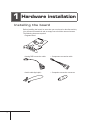
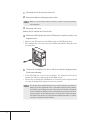
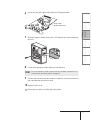
1 Hardware installation............................................... 8
Installing the board................................................ 8
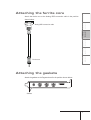
Attaching the ferrite core....................................... 9
Attaching the gaskets............................................ 9
Part names........................................................ 13
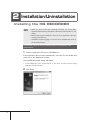
2 Installation/Uninstallation........................................ 14
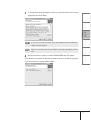
Installing the HQ RECORDER................................. 14
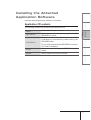
Installing the Attached Application Software............. 17
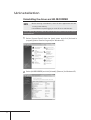
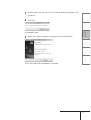
Uninstallation...................................................... 18
Chapter 3
Using HQ RECORDER
1 What is HQ RECORDER?....................................... 22
2 HQ RECORDER Main Screen.................................. 23
3 Capture operation................................................. 26
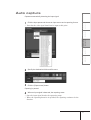
Auto capture...................................................... 27
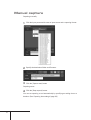
Manual capture................................................... 28
Scheduled capture............................................... 29
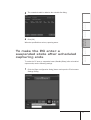
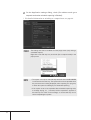
To make the PC enter a suspended state after
scheduled capturing ends..................................... 33
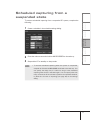
Scheduled capturing from a suspended state........... 35
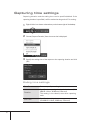
Capturing time settings........................................ 36
4 Task tray icon and menu......................................... 37
Task tray icon..................................................... 37
Menu................................................................. 37
iii