1
DVSINFO’s Link Quality Analyst 1.0
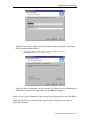
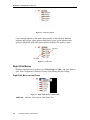
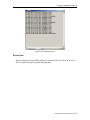
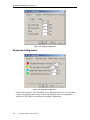
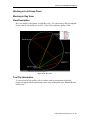
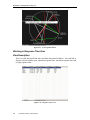
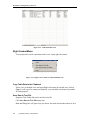
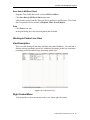
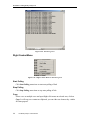
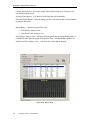
Figure 4-14. Link Bandwidth View
Right Context Menu
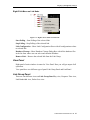
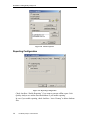
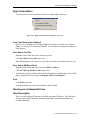
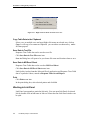
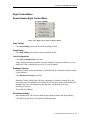
You can perform various operations on this view. Open right click menu…
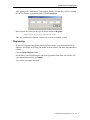
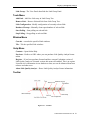
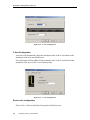
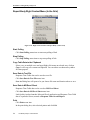
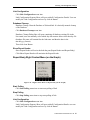
Figure 4-15. Right Context Menu on Link Bandwidth view
Copy Table Data to the Clipboard
Select a row or multiple rows and open Right click menu on selected area, click on
Copy. It will copy row content on clipboard. you can either use shortcut key ctrl+c
for same purpose.
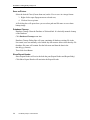
Save Data in Text File
Response Time Table data can be saved as text file.
Click Save Data in Text File menu item.
Save As Dialog box will open to let you choose file name and location where to save.
42
Link Quality Analyst 1.0 User Manual