1
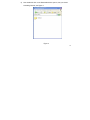
Error message: “Warning file
format error”
What is the common file type
that is causing the “Warning File
Format Error” error?
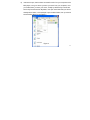
Display unidentified characters
on LCD screen
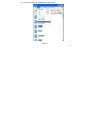
Cannot transfer music
Please try the following:
- Turn the Power ON/OFF switch to ON.
- Connect the player to the PC and remove the
file that is corrupted or non-standard audio file
on the player.
- Disconnect the player from computer and try
again.
-Check if wma file is protected or license
When any file type is not supported by the
player, the error message will occur.
Make sure the correct language is selected.
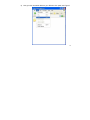
1. Check if the USB cable is working properly.
2. Make sure the product drivers has been
installed correctly (if required).
3. Check if the computer USB port is working
properly.
4. Restart the computer and try again.
*Specifications subject to change without prior notice.
* For answers to your frequently asked questions, please visit: www.slyelectronics.comYou can also
email us at: [email protected]
28