1
System Setup
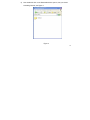
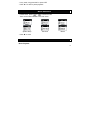
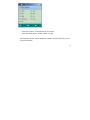
- In Main menu, select Setting menu and press “M” to enter System Setting
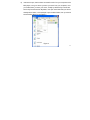
- There are 10 settings available in the Settings mode.
Record Quality:
Normal: Normal record quality with smaller file size.
Fine: Better record quality with larger file size.
Backlight Time: Time period to turn off backlight after no function operated.
Power Off:
Off Time: Time period to turn off the player after no function operated.
Sleep Mode: Time period to go to sleep mode after no function operated.
Replay Set:
Manual Mode
Auto Mode
Contrast: Setup LCD contrast level.
Language: English / T. Chinese / German / French / Italian / Spanish /
Portuguese / Japanese / Korean / Danish / Swedish / S. Chinese
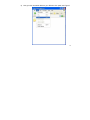
Auto Msc Transfer: (AMT turn on/off) – make sure this is ON
Memory Info: Display memory usage.
Edition: Displays firmware version.
Default: Reset to default.
Exit: Exit this interface.
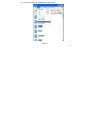
- In Settings mode, press “
” or “
” to scroll to any of the 10 settings and
24