1
1000BaseT Compliance Testing
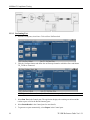
3.2.1.2 Compensating for Test Fixture – DUT Amplitude
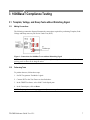
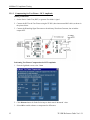
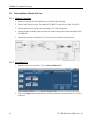
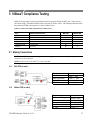
Making Connections
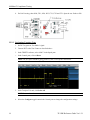
1. Set the Device Under Test (DUT) to generate Test Mode 1 signal.
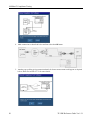
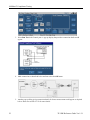
2. Connect the DUT to the Test Fixture using the TF-SIC (short interconnect RJ45 cable) as shown in
the picture below.
3. Connect the Disturbing Signal Generator or the Arbitrary Waveform Generator, but switch the
outputs OFF.
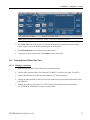
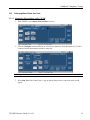
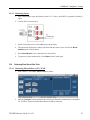
Performing Test Fixture Compensation for DUT Amplitude
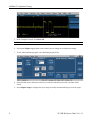
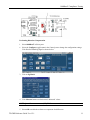
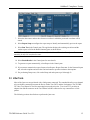
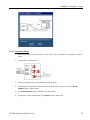
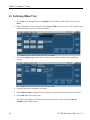
1. From the JigMatch screen, select - Next.
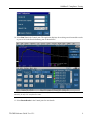
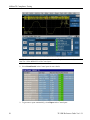
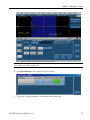
2. Click Measure button for Probe Point Amp to obtain actual ‘Measured’ value.
3. Select OK to enable software to compensate for differences.
12
TF-GBE Reference Guide Ver 1.2.1