1
3.2 Creating a New Project
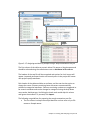
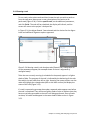
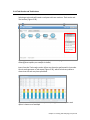
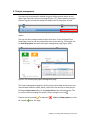
Using a web browser, log in to Partek Flow. From the Home page click the New
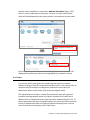
Project button; enter a project name (Figure 3-1) and then click Create project.
Figure 3-1: Partek Flow Home page and the dialog box for naming a project
(inset)
The Project name is the basis of the default name of the output directory for this
project. Project names are unique, thus a new project cannot have the same
name as an existing project within the same Partek Flow server.
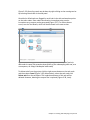
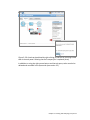
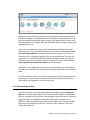
Once a new project has been created, the user is automatically directed to the
Data tab of the Project View.
Chapter 3 : Creating and Analyzing a Project 2