1
Chapter 6
PRE-PROCESSOR
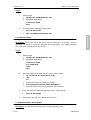
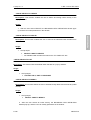
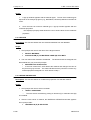
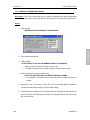
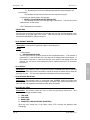
Usage:
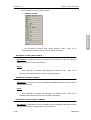
1.
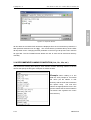
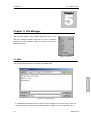
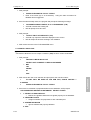
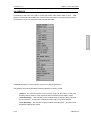
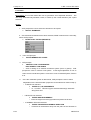
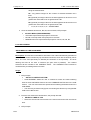
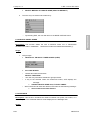
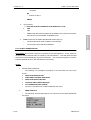
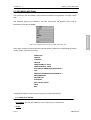
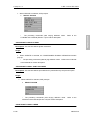
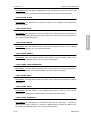
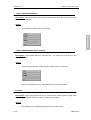
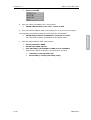
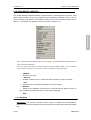
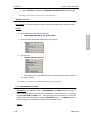
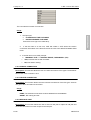
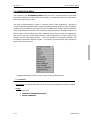
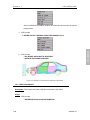
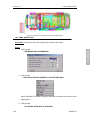
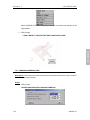
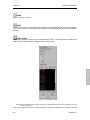
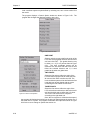
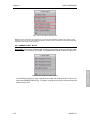
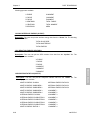
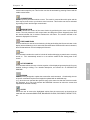
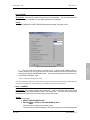
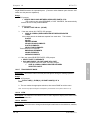
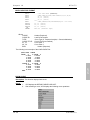
VPG prompts:
>
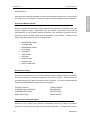
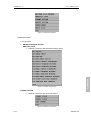
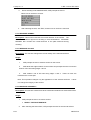
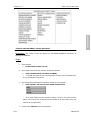
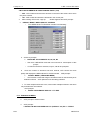
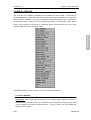
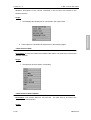
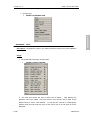
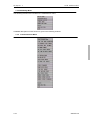
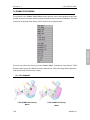
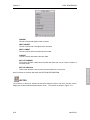
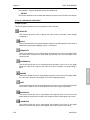
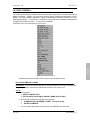
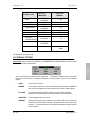
SELECT SET FROM (type) SET LIST
?
[List of all sets]
CURSOR AT (element/node/part)
EXIT
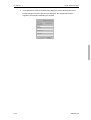
Once the set(s) is selected, VPG prompts:
>
SET X FLAGGED AS CURRENT SET.
•
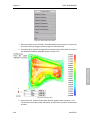
The selected set is current.
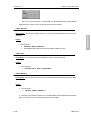
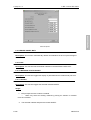
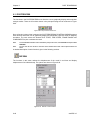
6.6.4 DELETE
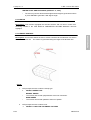
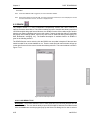
Description: This function allows the user to remove sets by ID number. Selecting the set
name also indicates where the set has been used such as in boundary conditions. (VPG is
specifically configured to recognize sets for this procedure.)
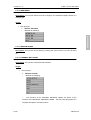
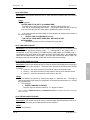
Usage:
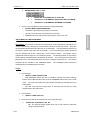
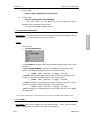
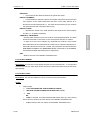
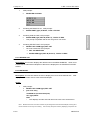
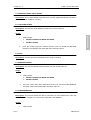
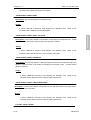
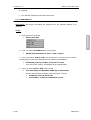
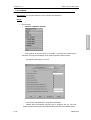
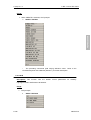
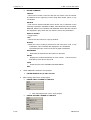
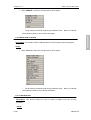
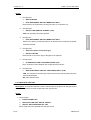
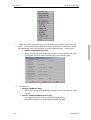
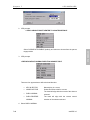
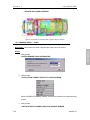
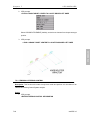
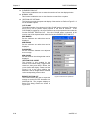
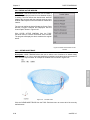
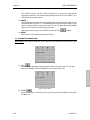
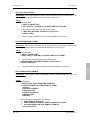
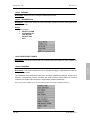
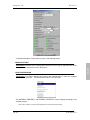
1. VPG prompts:
>
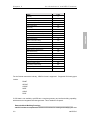
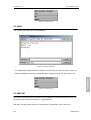
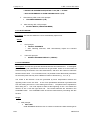
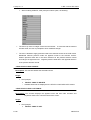
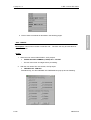
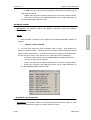
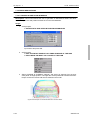
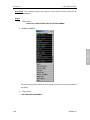
SELECT SET FROM (type) SET LIST
•
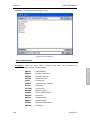
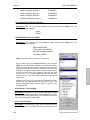
[List of all sets]
CURSOR AT (element/node/part)
ALL (type) SETS
EXIT
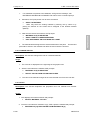
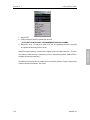
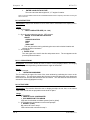
2.
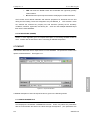
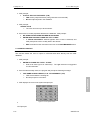
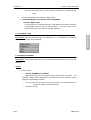
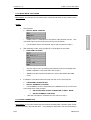
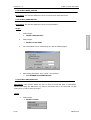
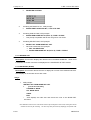
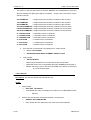
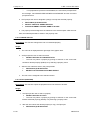
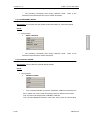
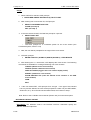
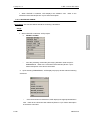
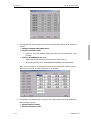
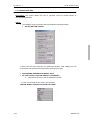
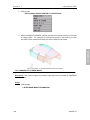
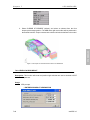
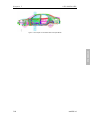
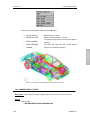
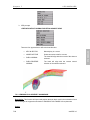
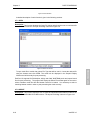
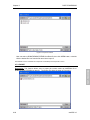
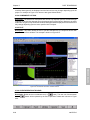
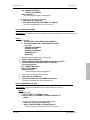
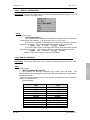
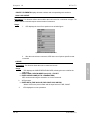
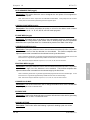
If the user selects ALL (type) SETS in step 2, the sets are highlighted in red in the
VPG MENU WINDOW.
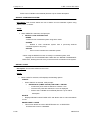
>
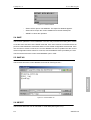
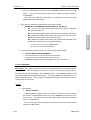
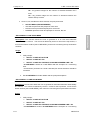
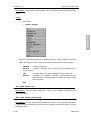
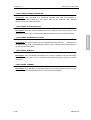
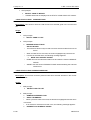
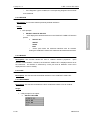
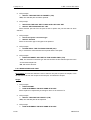
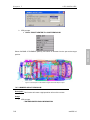
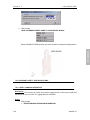
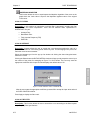
OK TO DELETE ALL (type) SETS? (Y/N)
?
YES
NO
•
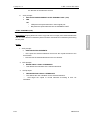
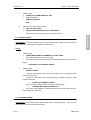
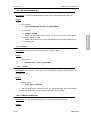
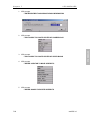
If YES, VPG issues the following message:
>
•
3.
ALL (type) SETS DELETED FROM DATABASE.
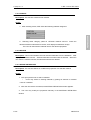
If NO, VPG returns the user to the set submenu.
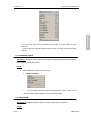
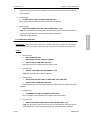
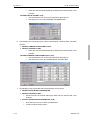
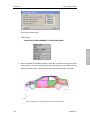
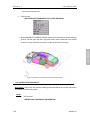
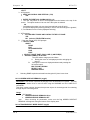
If the user selects an individual set in step 1, the set will be highlighted in red.
When the user exits the submenu, all highlighted sets will be deleted.
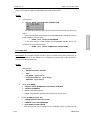
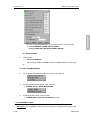
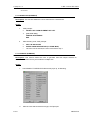
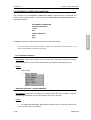
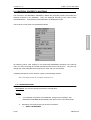
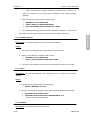
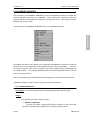
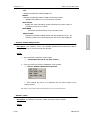
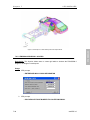
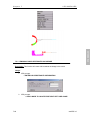
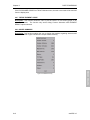
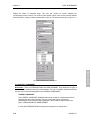
6.6.5 REMOVE EMPTY SETS (NODE)
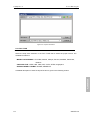
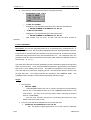
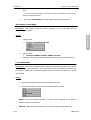
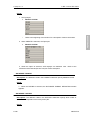
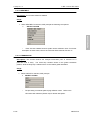
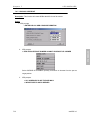
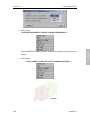
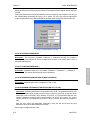
Description: This function deletes sets with no nodes assigned to them.
6-110
eta/VPG3.0
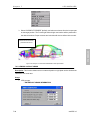
PRE-PROCESSOR
2.