1
Chapter 6
PRE-PROCESSOR
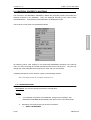
6.10 MATERIAL PROPERTY (LS-DYNA)
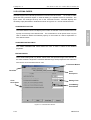
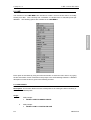
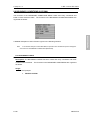
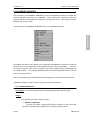
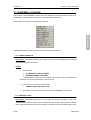
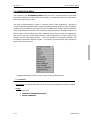
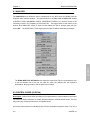
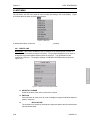
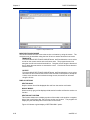
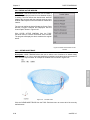
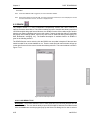
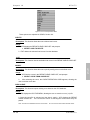
The functions in the MATERIAL PROPERTY MENU are designed to define and modify the
material properties in the database.
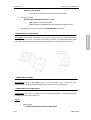
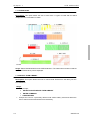
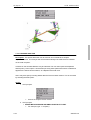
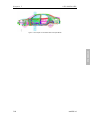
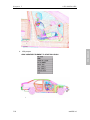
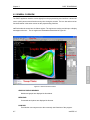
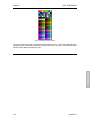
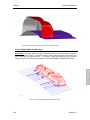
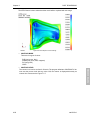
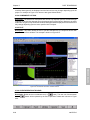
Parts are displayed according to the color of their
material definition. Parts without material definition are displayed in white.
PRE-PROCESSOR
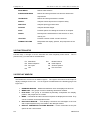
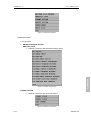
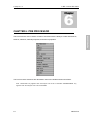
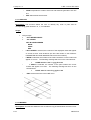
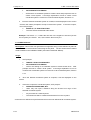
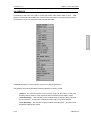
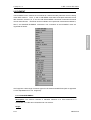
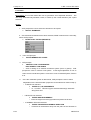
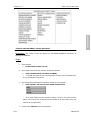
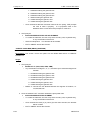
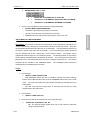
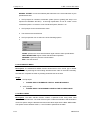
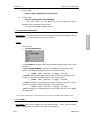
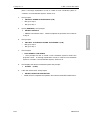
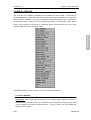
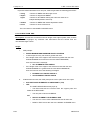
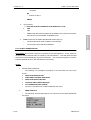
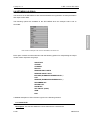
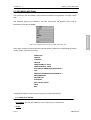
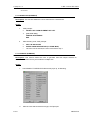
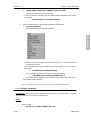
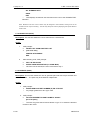
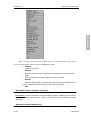
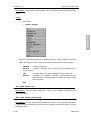
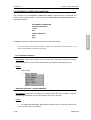
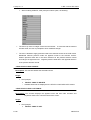
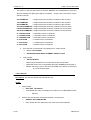
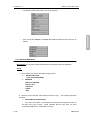
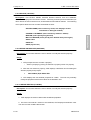
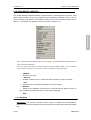
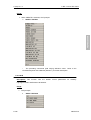
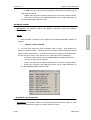
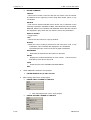
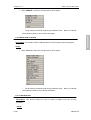
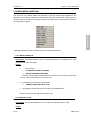
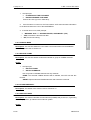
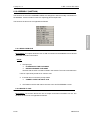
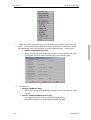
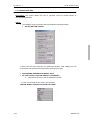
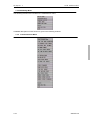
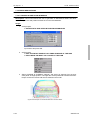
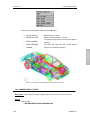
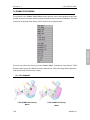
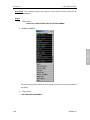
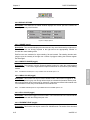
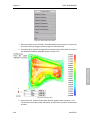
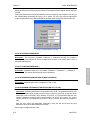
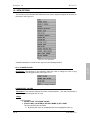
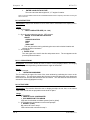
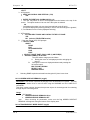
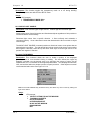
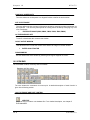
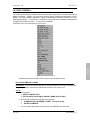
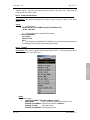
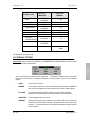
The functions in this menu are organized as follows:
By switching solver code settings in the ANALYSIS PROGRAM command in the SETUP menu,
the user can assign and create materials that are solver-code specific. The user may assign
and create materials at the beginning or at the end of a VPG session.
A detailed description of each function is given in the following sections.
Note: If the analysis code is set to NASTRAN, see section 6.11.
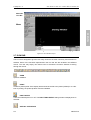
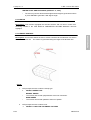
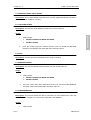
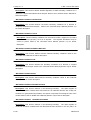
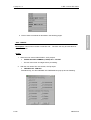
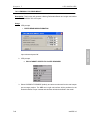
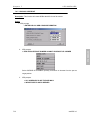
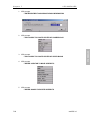
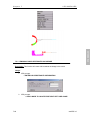
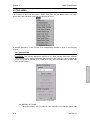
6.10.1 ADD EROSION
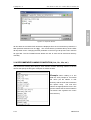
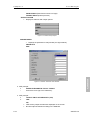
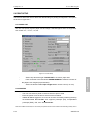
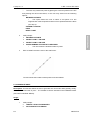
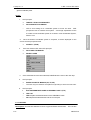
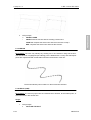
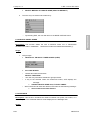
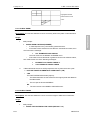
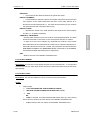
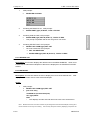
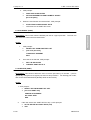
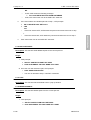
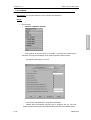
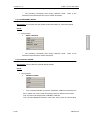
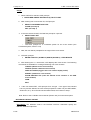
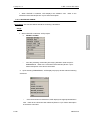
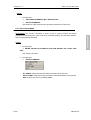
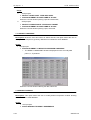
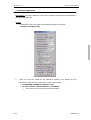
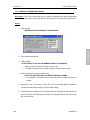
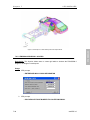
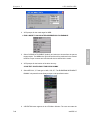
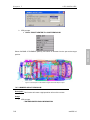
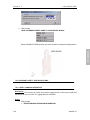
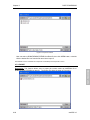
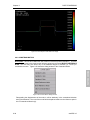
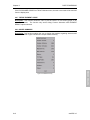
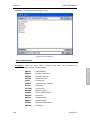
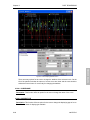
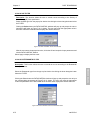
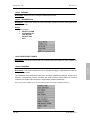
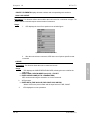
Description: This function creates and adds the erosion to selected materials and modifies
the erosion.
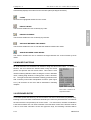
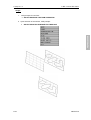
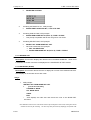
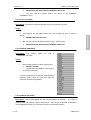
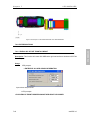
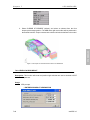
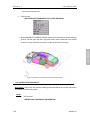
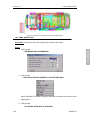
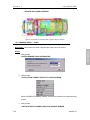
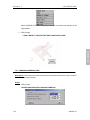
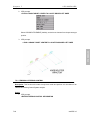
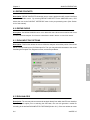
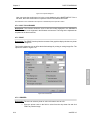
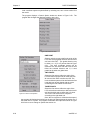
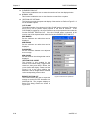
6.10.2 ASSIGN MATERIAL
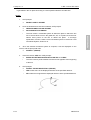
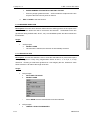
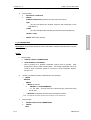
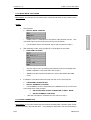
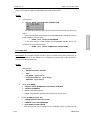
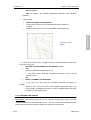
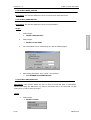
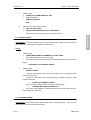
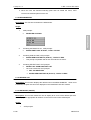
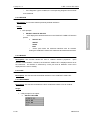
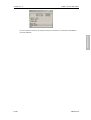
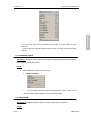
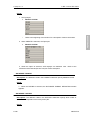
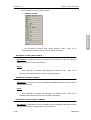
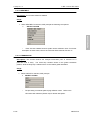
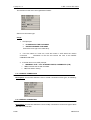
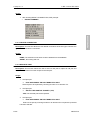
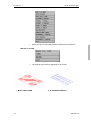
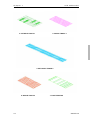
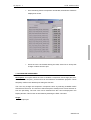
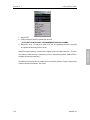
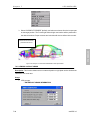
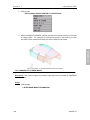
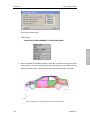
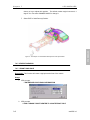
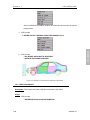
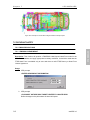
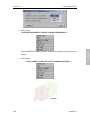
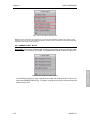
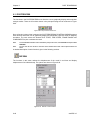
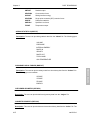
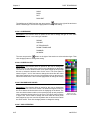
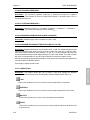
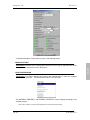
Description: This function assigns materials to selected parts.
Usage:
6-159
eta/VPG3.0