1
Chapter 6
PRE-PROCESSOR
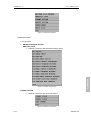
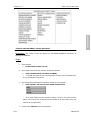
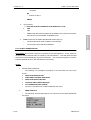
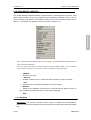
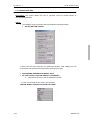
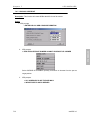
Usage:
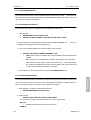
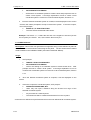
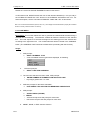
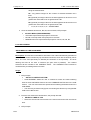
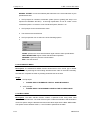
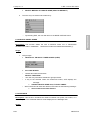
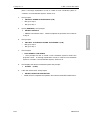
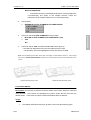
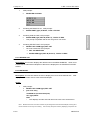
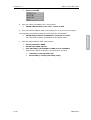
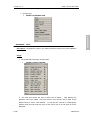
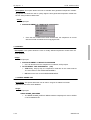
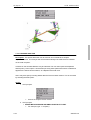
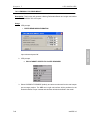
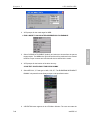
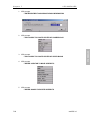
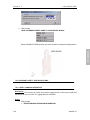
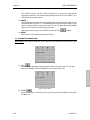
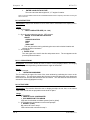
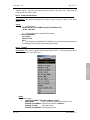
1. VPG prompts:
>
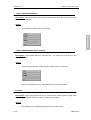
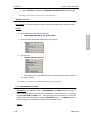
ONLY MASS ELEMENTS WILL BE SELECTED
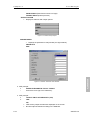
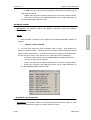
>
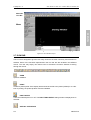
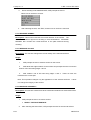
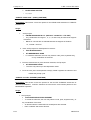
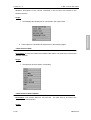
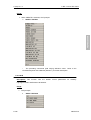
SELECT ELEMENTS
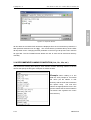
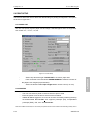
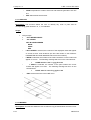
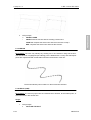
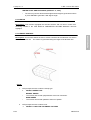
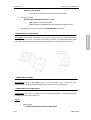
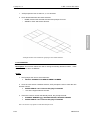
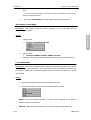
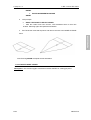
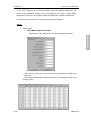
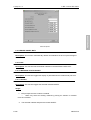
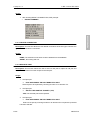
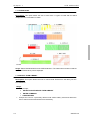
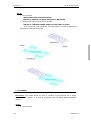
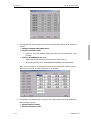
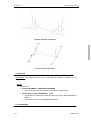
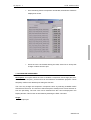
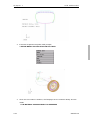
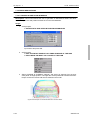
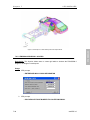
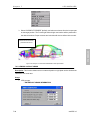
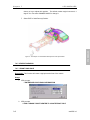
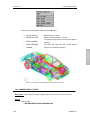
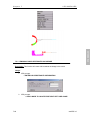
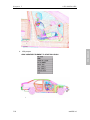
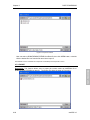
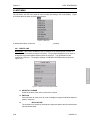
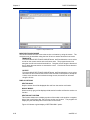
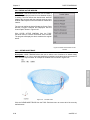
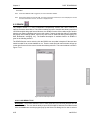
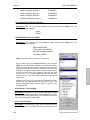
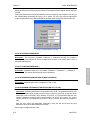
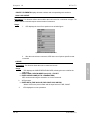
User selects a mass element and it will display information of this mass.
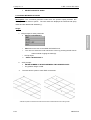
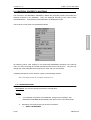
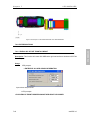
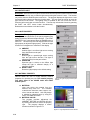
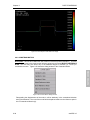
6.16.7 CALCULATE MASS
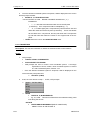
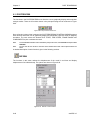
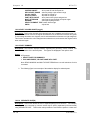
properties for selected parts. Parts must have a material property and thickness defined,
with a material density specified.
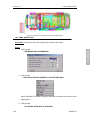
Usage:
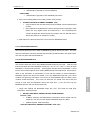
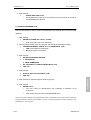
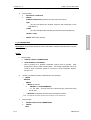
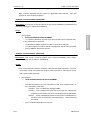
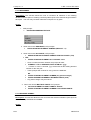
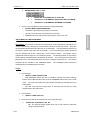
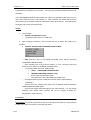
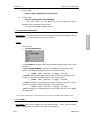
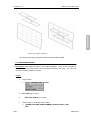
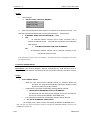
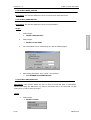
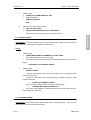
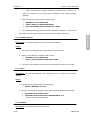
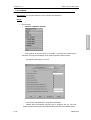
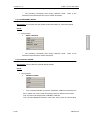
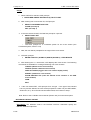
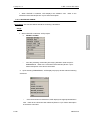
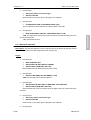
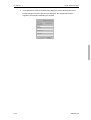
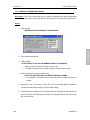
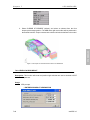
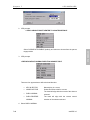
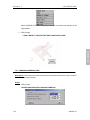
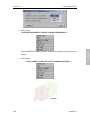
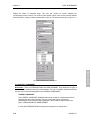
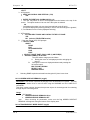
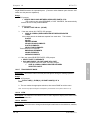
1. VPG prompts:
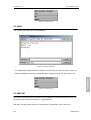
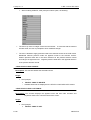
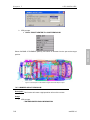
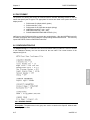
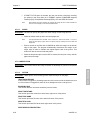
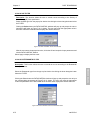
> ENTER OUTPUT FILE NAME OR [CR] FOR DEFAULT OR “STOP” FOR
QUIT
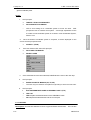
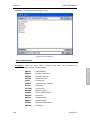
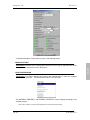
User inputs a file name:
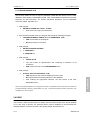
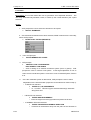
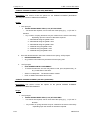
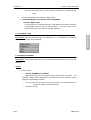
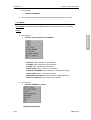
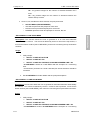
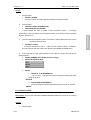
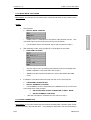
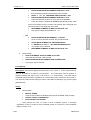
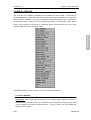
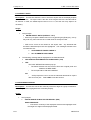
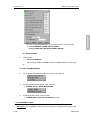
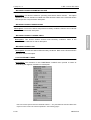
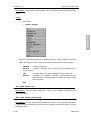
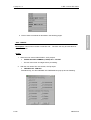
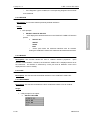
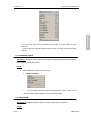
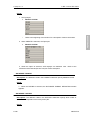
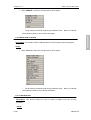
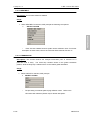
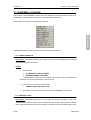
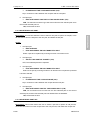
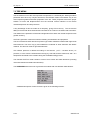
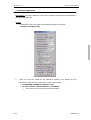
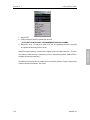
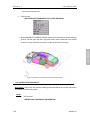
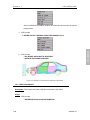
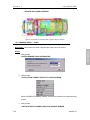
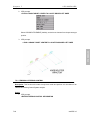
2. VPG prompts:
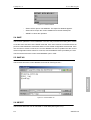
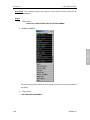
>
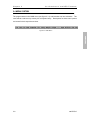
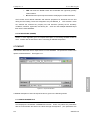
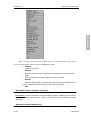
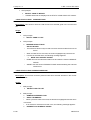
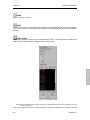
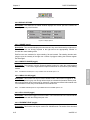
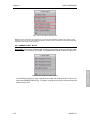
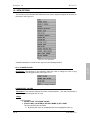
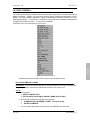
ENTER COMMAND
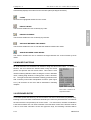
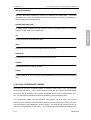
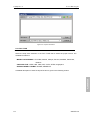
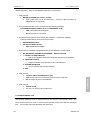
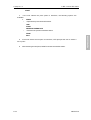
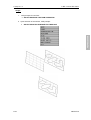
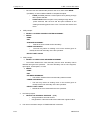
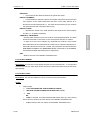
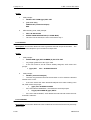
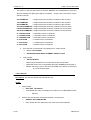
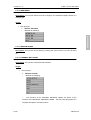
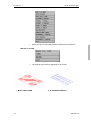
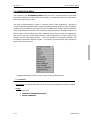
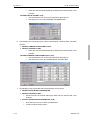
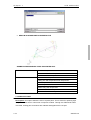
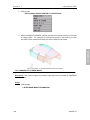
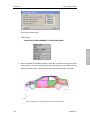
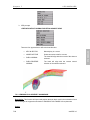
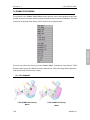
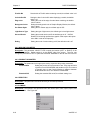
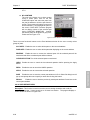
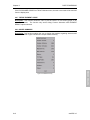
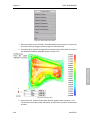
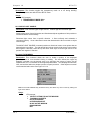
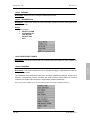
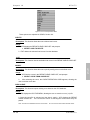
ALL PARTS: Output all mass information of all parts to the input file.
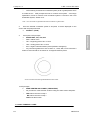
SELECT PART: Output the mass information of the selected part to the input file.
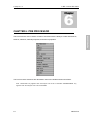
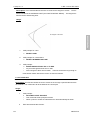
EXIT: Returns the user to the MASS MENU.
6-204
eta/VPG3.0
PRE-PROCESSOR
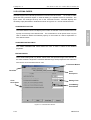
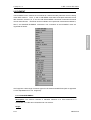
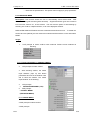
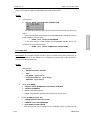
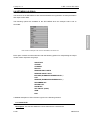
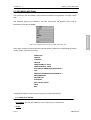
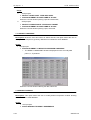
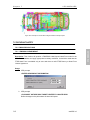
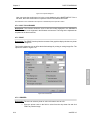
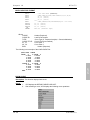
Description: This function calculates a mass, center of gravity location and inertia