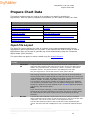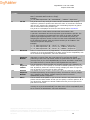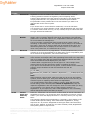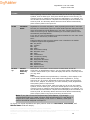
1
OrgPublisher 11.8 User Guide
Groups and Searching
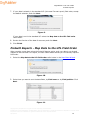
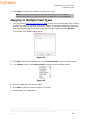
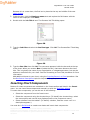
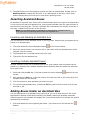
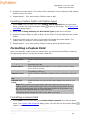
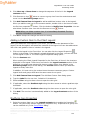
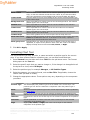
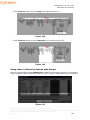
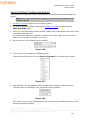
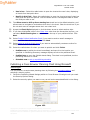
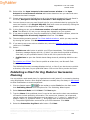
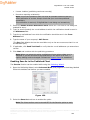
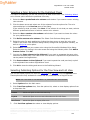
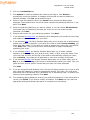
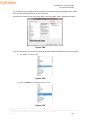
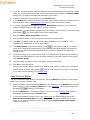
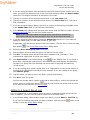
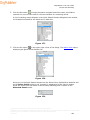
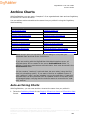
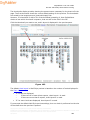
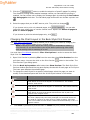
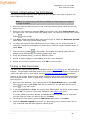
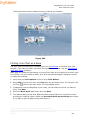
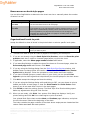
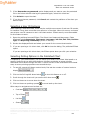
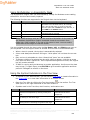
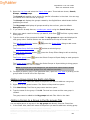
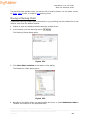
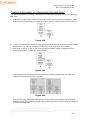
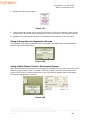
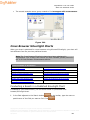
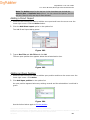
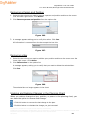
4. If you want to spotlight a specific group in your chart, click on the Groups or My
groups tab in the Search View. You can spotlight any group except the Everyone
group. Select the group and click the Spotlight search results in chart button
group is spotlighted in the chart.
. The
5. Click the button again to disable the spotlight search results feature.
Note: When printing a chart with the spotlighting feature enabled, if your
printer does not support AlphaBlend, your printed chart will show all boxes as
in the past. See your IT administrator if you have any questions.
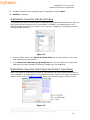
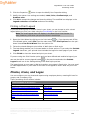
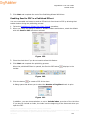
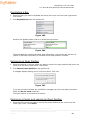
Using the Toolbar Search with Quick Search Results
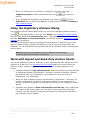
The simple toolbar search feature in the OrgPublisher application and published chart has
been modified.
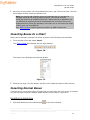
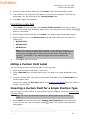
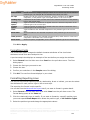
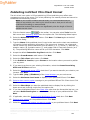
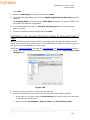
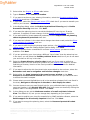
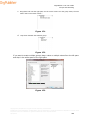
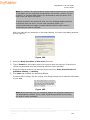
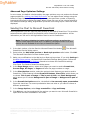
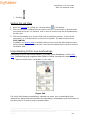
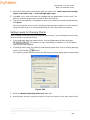
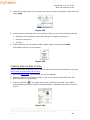
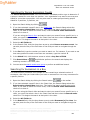
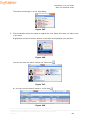
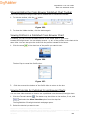
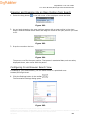
1. Type a single or multiple words or initials in the Look For toolbar field
.
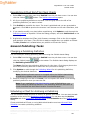
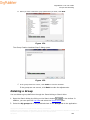
2. Click the Go button
to begin the search navigate around the chart; this feature
searches on a box-to-box basis for the next instance of a matching record.
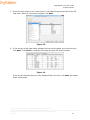
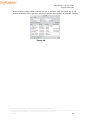
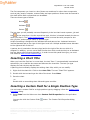
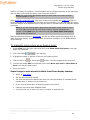
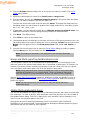
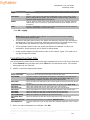
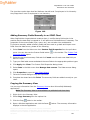
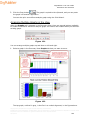
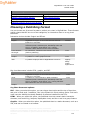
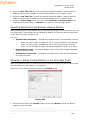
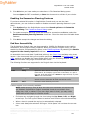
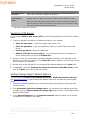
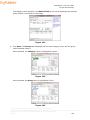
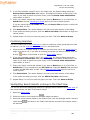
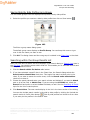
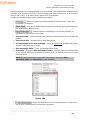
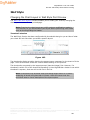
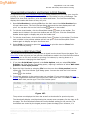
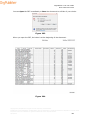
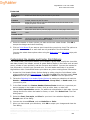
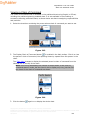
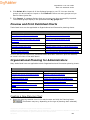
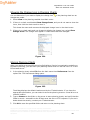
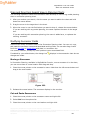
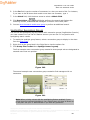
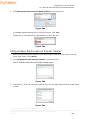
A list of matching results displays in the Quick Search Results dialog below the toolbar,
the characters entered for the search are in bold font.
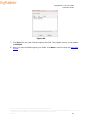
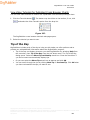
Figure 176.
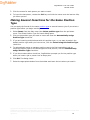
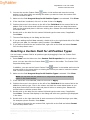
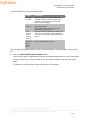
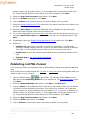
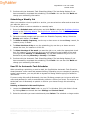
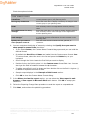
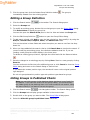
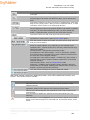
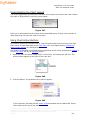
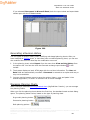
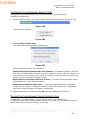
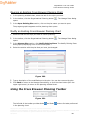
3. You can select a record right away, or click the Details button
to display more
information for the displayed results. Click the List button
just the found records.
to return the display to
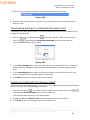
To reuse previous searches, click on the down-arrow and select the search item you
want. To clear the search list, right-click on the button and select Clear List.
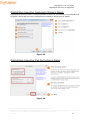
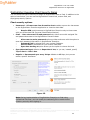
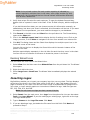
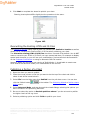
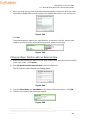
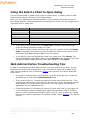
Using the Smart Search Option
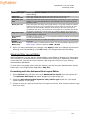
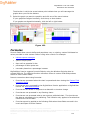
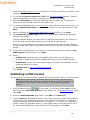
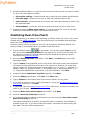
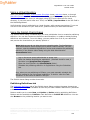
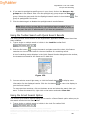
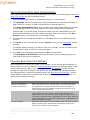
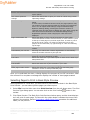
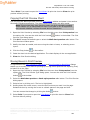
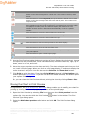
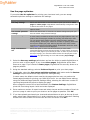
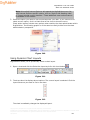
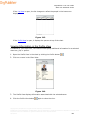
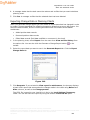
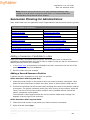
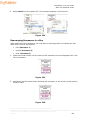
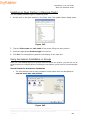
The toolbar Quick Search Results dialog can be used in a Smart Search option when you pin
the search results into the Search View.
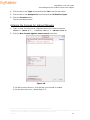
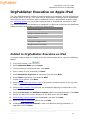
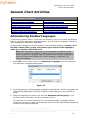
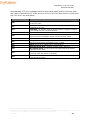
1. Type a single or multiple words or initials in the Look For toolbar field
.
Copyright 2015, PeopleFluent. All rights reserved. Proprietary and confidential.
PeopleFluent and the PeopleFluent and OrgPublisher logos are trademarks or registered trademarks of PeopleFluent. All other brand
and product names are trademarks or registered trademarks of their respective holders.
08/12/2015
261