1
Aquire OrgPublisher 10 User Guide
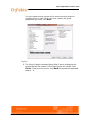
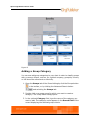
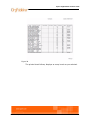
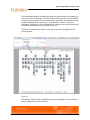
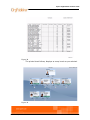
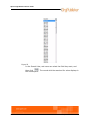
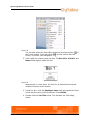
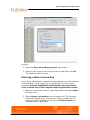
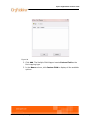
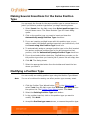
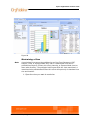
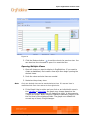
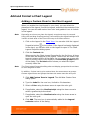
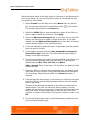
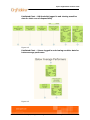
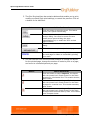
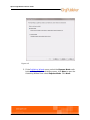
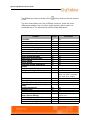
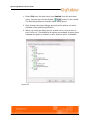
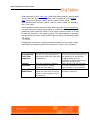
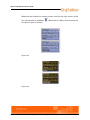
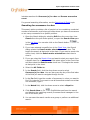
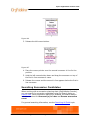
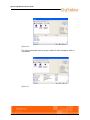
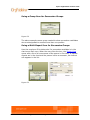
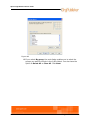
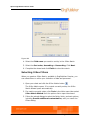
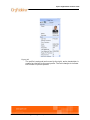
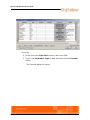
Figure 105
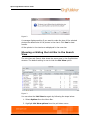
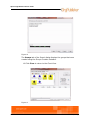
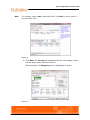
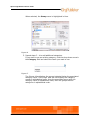
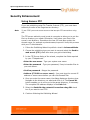
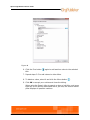
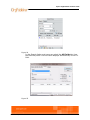
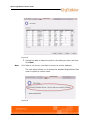
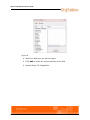
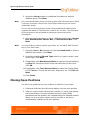
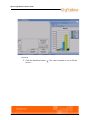
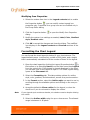
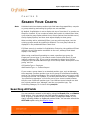
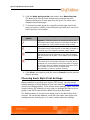
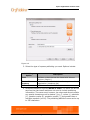
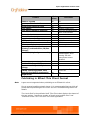
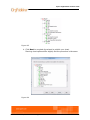
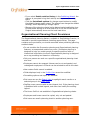
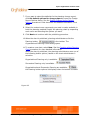
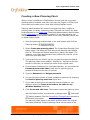
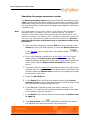
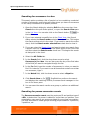
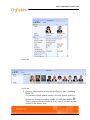
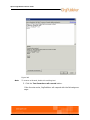
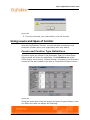
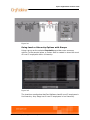
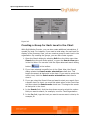
The second example uses a succession group created to find managers
with no successors.
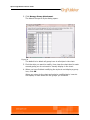
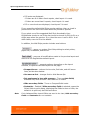
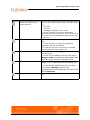
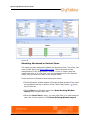
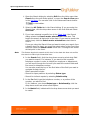
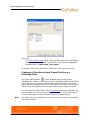
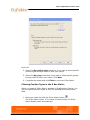
Figure 106
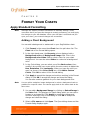
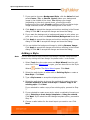
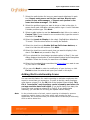
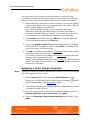
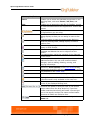
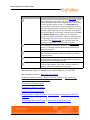
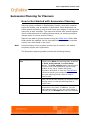
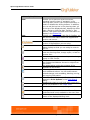
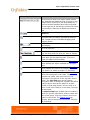
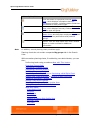
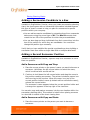
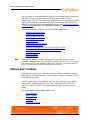
Tasks you can perform with the Advanced box layout:
• Adding Items to a Box Layout, including vertical and horizontal lines.
• Adding a Background Color to a Box Area or field within a box.
• Arranging Sections in the Box Layout.
• Copying the Box Layout to Another Position Type.
• Displaying Information Outside the Chart Box.
• Reviewing List Items in the Box Layout.
• Resetting the Box Layout tab to the default settings.
261
Format Your Charts/Advanced Box Layout Editor