1
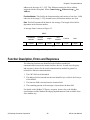
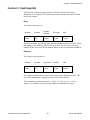
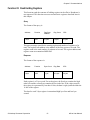
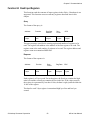
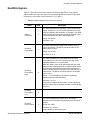
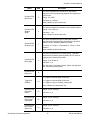
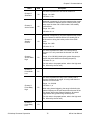
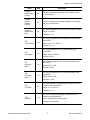
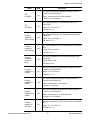
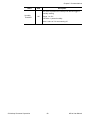
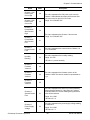
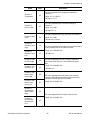
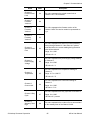
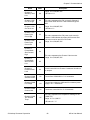
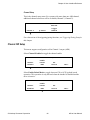
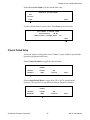
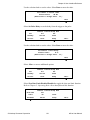
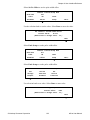
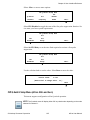
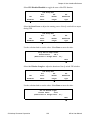
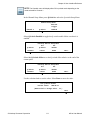
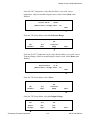
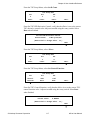
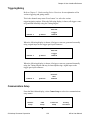
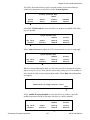
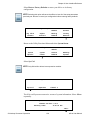
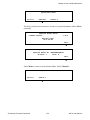
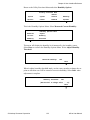
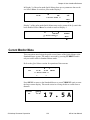
Chapter 6: User Interface Reference From Set TEC Temperature verify that the eDrive is set to the correct temperature. Adjust as needed using the rotary switch. Select Done when finished. Set TEC Temperature Present Value: +28.9C (Rotate Dial to Change value - 1x ) Done From the TEC Setup Menu, select Set Tolerance Range. TEC Setup Menu Set TEC Set Tolerance Enabled Temp. Range -More- From the Set TEC Temperature menu verify that the eDrive is set to the correct Tolerance Range. Adjust as needed using the rotary switch. Select Done when finished. Set TEC Tolerance Range Present Value: +1.5C (Rotate Dial to Change value - 1x ) Done From the TEC Setup Menu, select -More-. TEC Setup Menu Set TEC Set Tolerance Enabled Temp. Range -More- From the TEC Setup Menu, select Set Output Voltage. TEC Setup Menu Set Set Set Output Min. Max. Voltage Temp. Temp. -More- © Northrop Grumman Corporation 114 eDrive User Manual