1
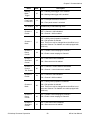
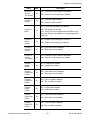
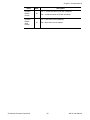
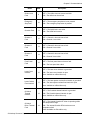
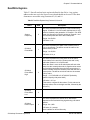
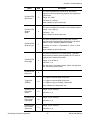
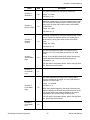
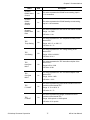
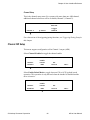
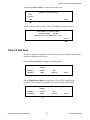
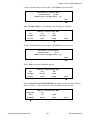
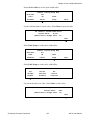
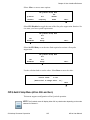
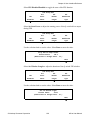
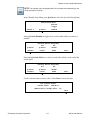
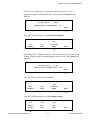
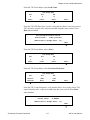
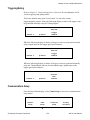
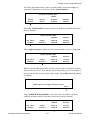
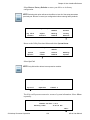
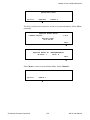
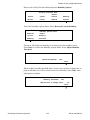
Chapter 6: User Interface Reference Select Ethernet Setup to configure the Ethernet interface parameters. Consult your network system administrator for help selecting these parameter values. Communications Setup Menu RS-232 RS-232 Channel 0 Channel 1 RS-485 Ethernet Setup Setup Setup Setup Select DHCP Disabled to toggle DHCP to the enabled state. When DHCP is enabled, the eDrive will obtain its Ethernet parameters from a DHCP server on the network. Ethernet Setup Menu DHCP Set Set Set Disabled Static IP Function Address Select Set Static IP to set the static IP parameters. Ethernet Setup Menu DHCP Set Set Set Disabled Static IP Function Address Select Set IP Address to set the IP address. Static IP Setup Menu Set Set Set IP Address Mask Gateway Use the selection knob to set each value. Press or to switch between parameters. Select Done to enter the values. Set Static IP Address 192. 168 . 1 . 46 (Rotate Dial to Change Value – 1x <- -> ) Done © Northrop Grumman Corporation 123 eDrive User Manual