1
Using the Security System
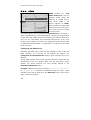
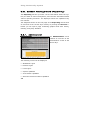
Access Log only: The log only records access information, for
example URL accessed and username/IP address of the client.
None: No information about the proxy use is recorded.
6.
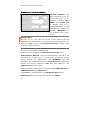
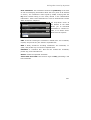
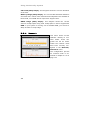
The Anonymity drop-down menu allows you to choose how
much information about the client is passed on to the remote
server in HTTP Request Headers.
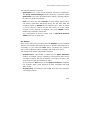
Standard: The following headers are blocked: Accept-Encoding,
From, Referrer, Server, WWW-Authenticate and Link.
None: Client headers are not changed at all.
Paranoid: All headers except those listed below are blocked.
Additionally, the “User-Agent” field will be changed so that no
information about the internal client is available.
Allow, Authorization, Cache-Control, Content-Encoding, ContentLength, Content-Type, Date, Expires, Host, If-Modified-Since,
Last-Modified,
Location,
Pragma,
Accept,
Accept-Language,
Content-Language, Mime-Version, Retry-After, Title, Connection,
Proxy-Connection and User-Agent.
Note:
In Standard and Paranoid modes, the proxy blocks all cookies.
If you wish to use cookies, you should use the none mode.
7.
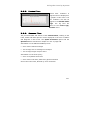
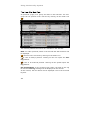
Use the Allowed networks selection menu to select which
networks should be allowed to use the proxy.
A description of how to use the selection field tool can be found
in chapter 4.3.2 on page 36.
All settings take effect immediately and will be saved if you leave this
menu. Only the HTTP proxy can be accessed from the allowed
networks.
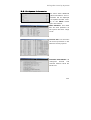
See also the functions in the Advanced window.
214