1
Using the Security System
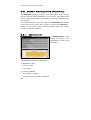
The SSH protocol uses name resolution (valid name server) if no
valid name servers are found, SSH access attempts will time out. The
time-out takes about a minute. During which time the connection
seems to be frozen or failed. Once the time-out has expired, the connection process continues without further delay.
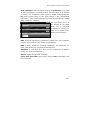
You must also add the networks allowed to access the SSH service in
the Allowed Networks selection field. In order to ensure a seamless
installation process, the Allowed networks field contains the Any
option by default, this means that any computer can access the SSH
service. Networks can be defined in the Definitions/Networks
menu.
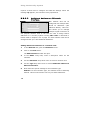
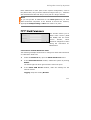
Security Note:
By default, anyone has access to the SSH service. The Allowed
Networks field contains the Any option. For increased security,
we recommend that access to the SSH service be limited. All
other networks should be removed!
We recommend that the SSH service be disabled when not in active
use.
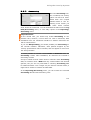
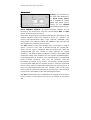
Password and Factory Reset
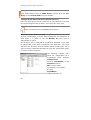
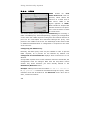
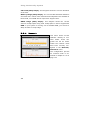
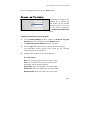
The Password Reset function
allows you to set new passwords for the Security system.
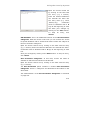
If you log in to the WebAdmin
configuration tool for the first
time after this action, the Setting System Passwords window will
be displayed. This allows you to set optional passwords, such as the
Astaro Configuration Manager Password. Halt System will shut down
the Security system. After the restart, the Setting System Passwords window will be displayed at first.
49