1
Using the Security System
5.7.6.
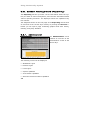
CA Management
A Certificate Authority (CA) certifies the authenticity of public
keys. This ensures that the certificate used in a VPN connection really
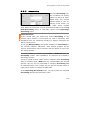
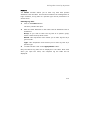
belongs to the endpoint, and not to an attacker. The CA Management menu allows you to create and manage your own X.509
Certificate Authority (CA). The authority will verify the validity of
X.509 certificates exchanged during IPSec VPN connections. The
relevant information is stored in the X.509 certficates.
But you can also use certificates, signed by commercial providers,
such as VeriSign.
Note:
Every certificate has unique CA with respect to its identifying
information (Name, Firm, Location, etc.). If the first certificate is lost,
a second cannot be generated to replace it.
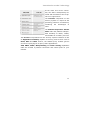
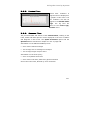
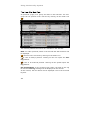
The CA Management menu allows you to manage three distinct
kinds of certificates, which are used for different purposes. The three
certificates differentiate themselves according to use, and, importantly, whether or not the Private Key is stored:
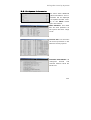
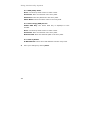
CA (Certificate Authority) Certificate: If a CA is saved without
private key, it can be used for the authentication of the host and
user certificate of incoming IPSec connections: this type of CA is
called a Verification CA.
If a CA saves its private key, it can be used to sign certificate
queries, in order to produce a valid certificate. This CA is called a
Signing CA.
The system can contain a number of Verification CAs, but only one
Signing CA.
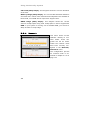
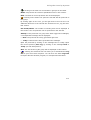
Host CSR (Certificate Signing Request): This is a request to have
a certain certificate signed. When it is given to a Signing CA - and
the CA verifies the identity of the owner – the CA sends back a fullyformed and signed Host Certificate.
290