1
Using the Security System
5.9.3.
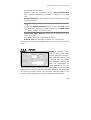
Browse
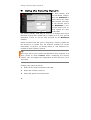
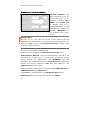
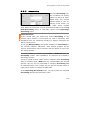
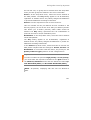
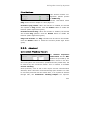
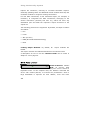
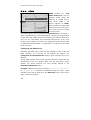
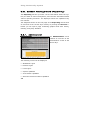
Each protocol is contained in the Browse menu. If this menu is
opened, the protocol groups (logs) will be displayed in the Browse
Local Log Files overview.
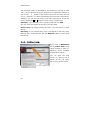
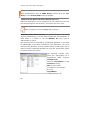
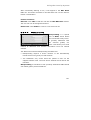
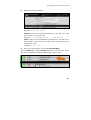
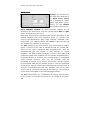
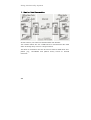
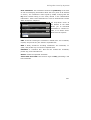
The Log File Overview
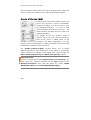
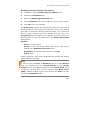
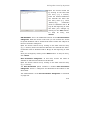
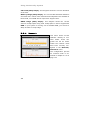
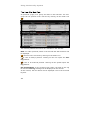
All protocol groups (logs) are contained in this overview. The groups
with the current protocols can directly be opened from this overview.
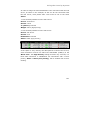
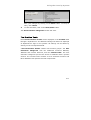
The functions from the left to the right:
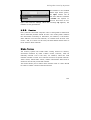
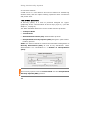
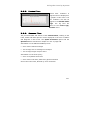
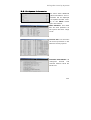
Selection box: This setting is required in connection with the dropdown menu at the footer of the table. Select the protocol groups and
then choose the action (Delete or Download as ZIP File) from the
drop-down menu.
The action will start immediately.
Clicking on the selection box in the header selects all protocol groups.
312