1
Brainstorming with MindMaps
Exports
Additional exports
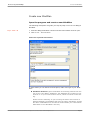
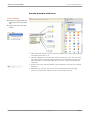
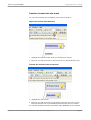
Use the »Concept export according to Word/Open Office« function to import
the content of a MindPlan to a document of your standard text processing
program.
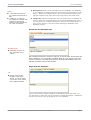
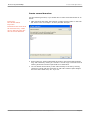
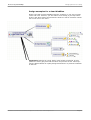
Use the »Additional exports« function to export your MindPlan in various
data formats.
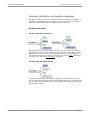
Send links to notes via e-mail
Instead of sending a file, you can also send a link to the MindPlan or a node
in your MindPlan via e-mail.
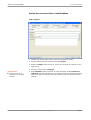
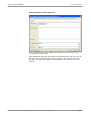
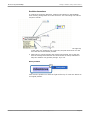
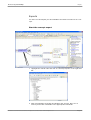
In order to do this, click on »Send link to node via mail« in the right sidebar.
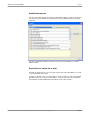
MindPlan opens an e-mail in Lotus Notes, in which you enter the recipient
and possibly include additional information. Then click »Send.«
MindPlan User Manual Part 1© Haus Weilgut ▪ November 2008 ▪ www.mindplan.com
Page 25