1
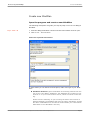
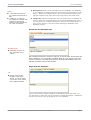
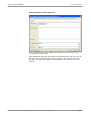
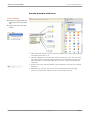
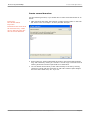
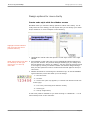
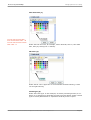
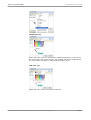
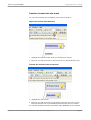
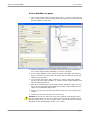
Brainstorming with MindMaps Create new MindPlan Create new MindPlan Open the program and create a new MindPlan The following description will guide you step-by-step on how to use Weilgut MindPlan. Keys: CTRL+ N 1 Start the Weilgut MindPlan. Please note that Lotus Notes must be open. 2 Click on file – New MindPlan. Enter the required information. In these fields you will define the description, folder and type of your MindPlan: MindPlan database: Select a MindPlan in the dialog window from the list of your Lotus Notes1 databases. The databases are located on your local PC or on your Lotus Domino1-Server, which are shown in this dialog. Please note the following: If you are using the demo environment of Weilgut MindPlan, the database will have the name »MindPlan« and the file name »wMindPlan.nsf« and will be located within your Lotus Notes1 data folder in the »MindPlan« directory. MindPlan User Manual Part 1© Haus Weilgut ▪ November 2008 ▪ www.mindplan.com Page 3