1
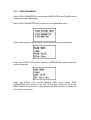
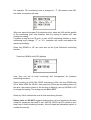
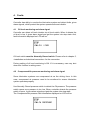
Select CA MONITORING, the press key OK to change compressed air
pressure monitoring setting. At this time, the preset content of the function is
blinking, use key DOWN or UP to change the setting. The setting can be ON
or OFF.
Press key OK to confirm the new CA MONITORING setting.
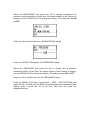
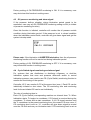
Press key DOWN, LCD displays OIL PRESSURE setting.
Select OIL PRESSURE and press key OK to change the oil pressure
monitoring setting. At this time, the preset content of the function is blinking,
use key DOWN or UP to change the setting. The setting can be ON or OFF.
Press key OK to confirm the new OIL PRESSURE setting.
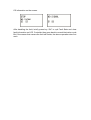
Press key DONW. At this time, if user select “----END----“(EXIT SETTING) and
press key OK, controller will quit MENU mode and gets back operational state
display mode. If press key UP at this time, then user can select last
programmed item.