1
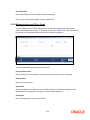
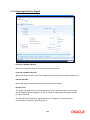
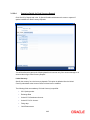
3.1.22 Capturing Pay-Out Parameters Details
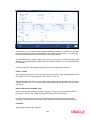
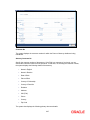
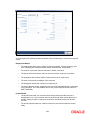
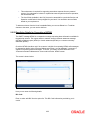
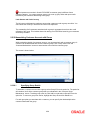
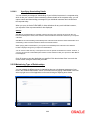
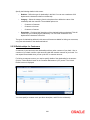
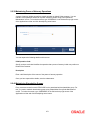
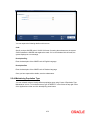
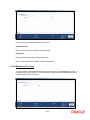
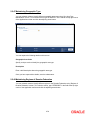
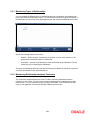
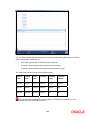
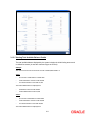
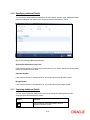
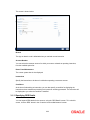
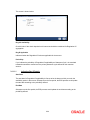
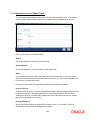
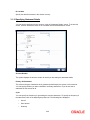
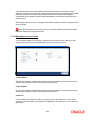
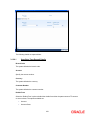
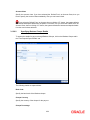
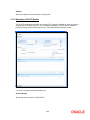
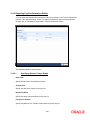
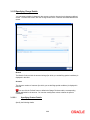
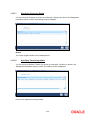
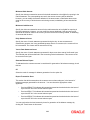
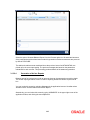
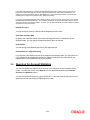
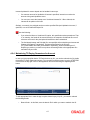
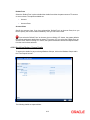
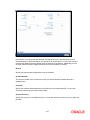
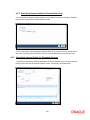
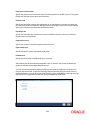
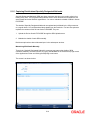
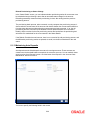
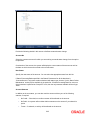
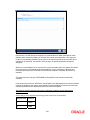
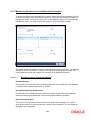
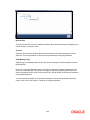
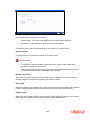
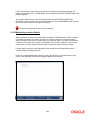
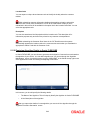
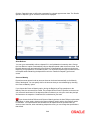
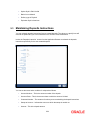
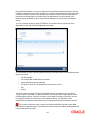
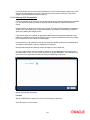
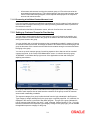
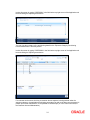
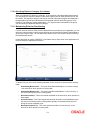
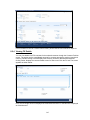
You can capture the parameters for automatic pay-out by clicking on the ‘Pay-Out Parameters’
button in ‘Term Deposit Interest’ screen. To capture the details for pay-out through Bankers
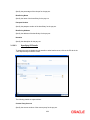
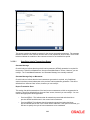
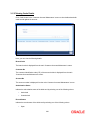
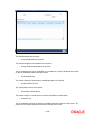
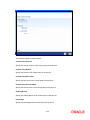
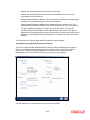
Cheque, click on the Bankers Cheque tab in ‘Payout Parameters’ screen.
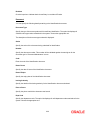
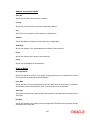
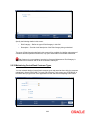
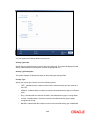
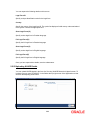
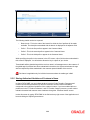
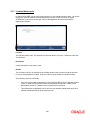
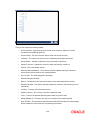
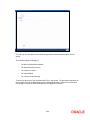
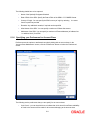
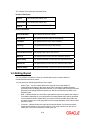
The following details are captured here:
3.1.22.1
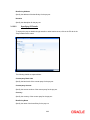
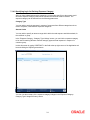
Specifying Bankers Cheque Details
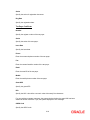
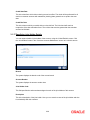
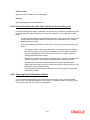
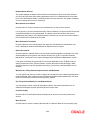
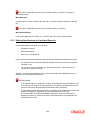
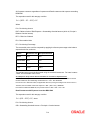
Bank Code
Specify the bank code of the Bankers cheque.
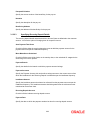
Cheque Date
Specify the date of the cheque for the pay-out.
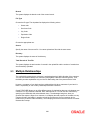
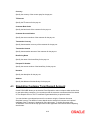
Beneficiary Name
Specify the name of the beneficiary for the pay-out.
Passport/ IC Number
Specify the passport or IC number of the beneficiary for the pay-out.
2-61