1
10.8 Customer Account Closing Confirmation Report
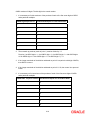
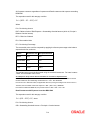
You can generate a report for the customer, confirming that his / her account with the bank has
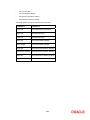
been successfully closed. This report contains the following details:
•
Account Number
•
Customer Name
•
Account Balance
•
Currency
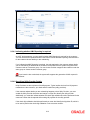
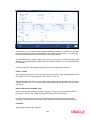
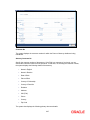
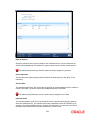
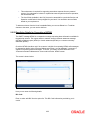
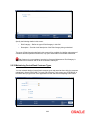
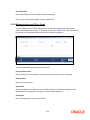
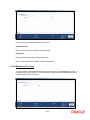
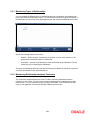
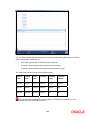
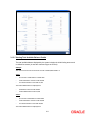
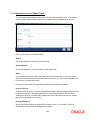
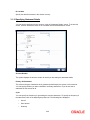
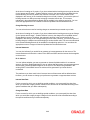
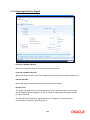
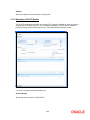
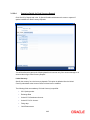
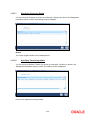
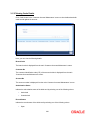
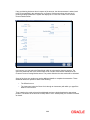
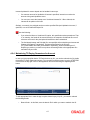
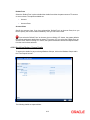
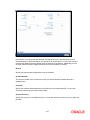
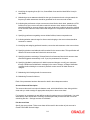
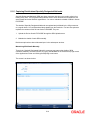
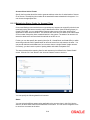
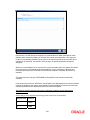
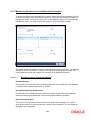
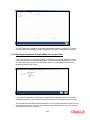
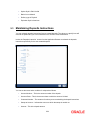
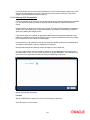
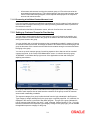
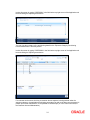
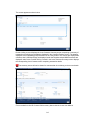
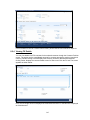
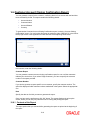
To generate the Customer Account Closing Confirmation report, invoke the ‘Account Closing
Confirmation’ screen. You can invoke this screen by typing the code ‘CSRPACCC’ in the field at
the top right corner of the Application tool bar and click on the adjoining arrow button.
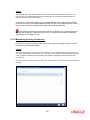
In this screen, enter the following details:
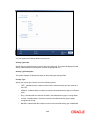
Customer Report
You can generate customer account closing confirmation report for one or all the customers.
Indicate your choice here. If you select ‘Single Customer’, you have to specify the customer
number in the space provided.
Customer Number
If you wish to generate a report specific to one customer, specify the customer number. The
option list displays all valid customer numbers maintained in the system. Select the appropriate
one.
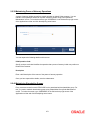
Date
Specify the date as of which you want to generate the report.
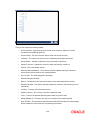
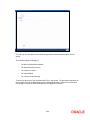
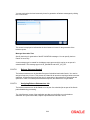
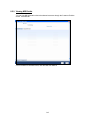
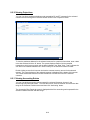
Once you have set the preferences, click ‘OK’ button. The system displays the print option
screen, where you can set your preferences as to viewing and printing the report.
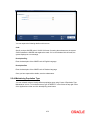
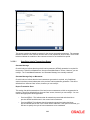
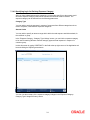
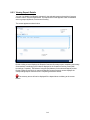
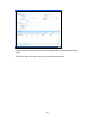
10.8.1 Contents of the Report
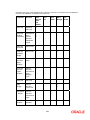
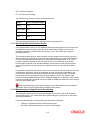
The report options that you selected while generating the report are printed at the beginning of
the report.
10-8