1
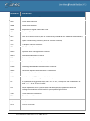
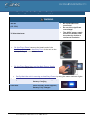
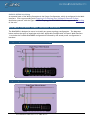
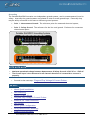
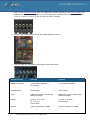
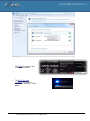
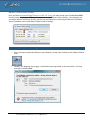
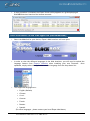
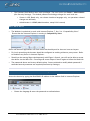
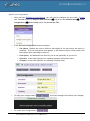
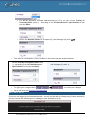
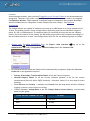
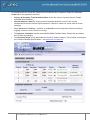
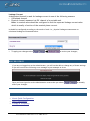
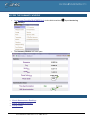
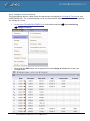
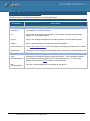
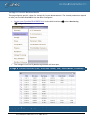
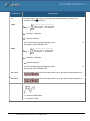
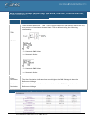
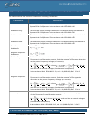
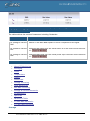
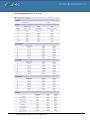
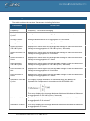
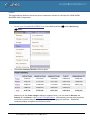
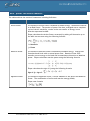
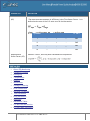
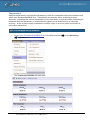
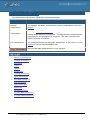
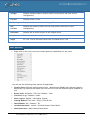
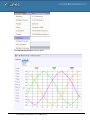
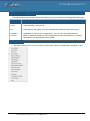
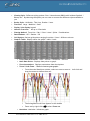
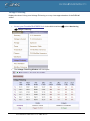
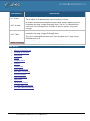
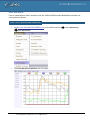
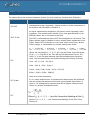
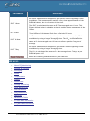
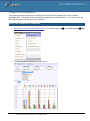
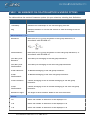
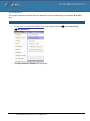
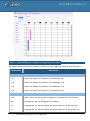
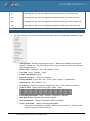
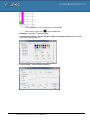
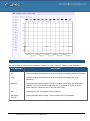
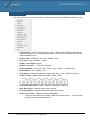
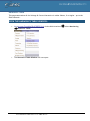
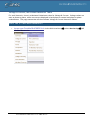
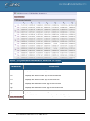
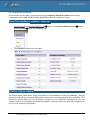
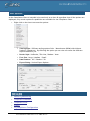
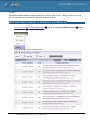
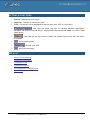
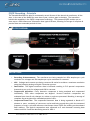
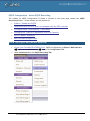
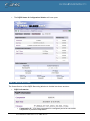
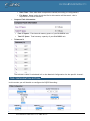
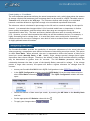
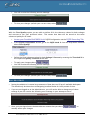
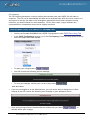
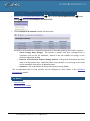
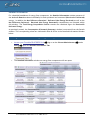
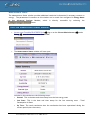
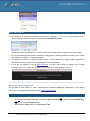
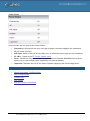
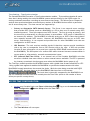
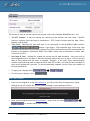
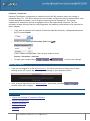
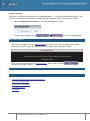
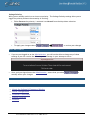
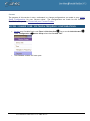
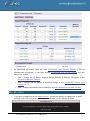
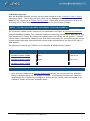
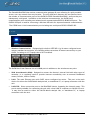
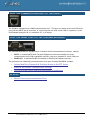
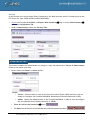
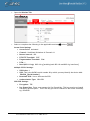
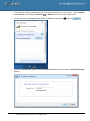
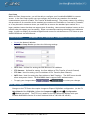
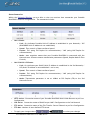
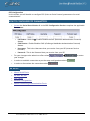
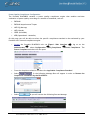
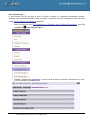
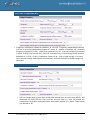
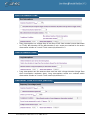
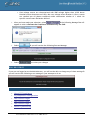
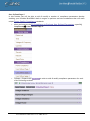
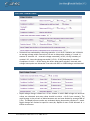
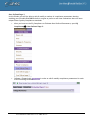
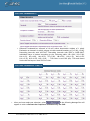
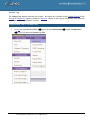
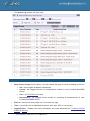
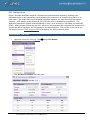
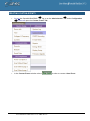
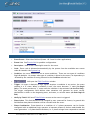
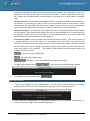
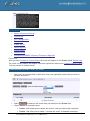
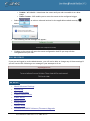
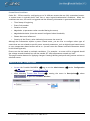
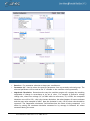
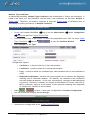
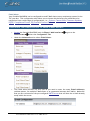
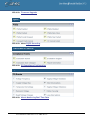
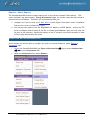
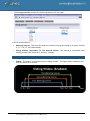
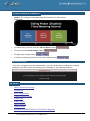
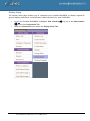
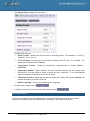
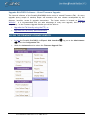
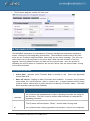
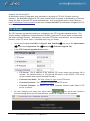
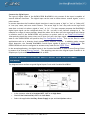
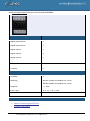
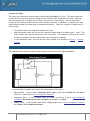
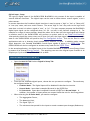
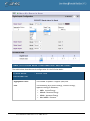
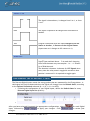
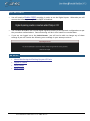
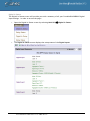
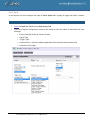
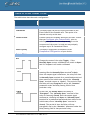
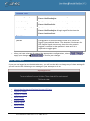
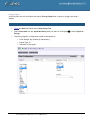
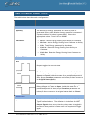
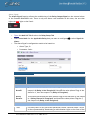
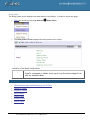
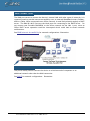
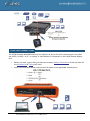
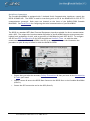
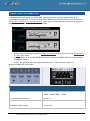
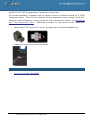
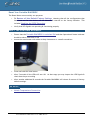
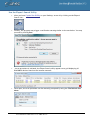
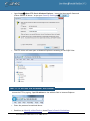
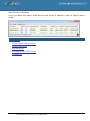
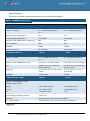
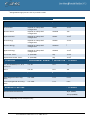
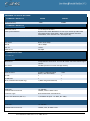
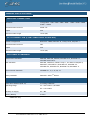
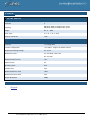
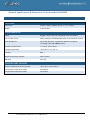
Measurement Status The Measurement Status window provides additional statistical information & necessary context on energy. The parameters & counters on this window are in actual fact configured in Energy Meter in the Advanced Settings Section, which is directly accessible by selecting the button. Access the measurement status window: Access your Portable BLACKBOX Unit Energy log on as the Viewer/Administrator under open the Measurement Status Tab: The Measurement Status window will now open: Included in this window are the following terms: 171 Started: This is the date and time stamp from the last energy reset Last Start: This is the date and time stamp for the last metering reset - Total Consumption is Reset Up Time: The total cumulative time the mechanism has been operational during the current period (since last start)