1
Satellite V4.5
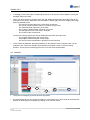
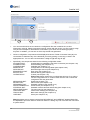
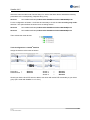
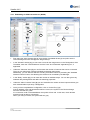
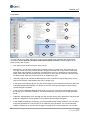
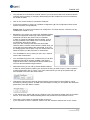
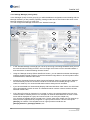
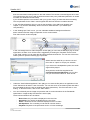
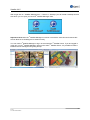
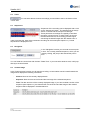
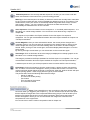
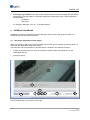
Therefore, it will be recognized by the "Confirmed" filter (see chapter 6.3) and no longer appears in the
Live Image alarm list (see chapter 4.3).
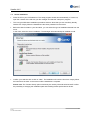
With a click on "Mark Alarm as Unconfirmed", you can reset the status and remove the checkmark.
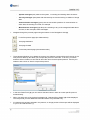
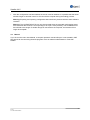
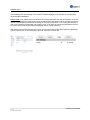
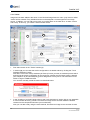
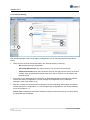
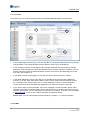
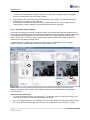
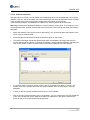
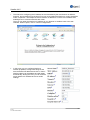
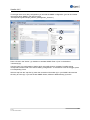
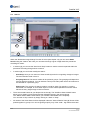
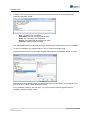
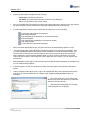
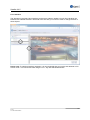
You can also furnish a comment to the sequence. To do
this, click on "Edit Alarm Data"; an input window opens in
which you can enter your comment.
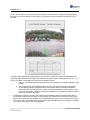
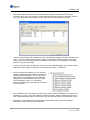
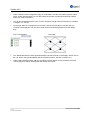
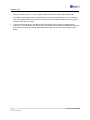
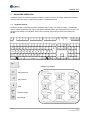
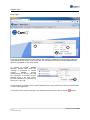
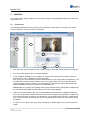
This comment will appear below the camera image in the "Information" field (see chapter 6.6).
Directed searches can be undertaken for only for sequences denoted in this way. Just enter your
search item in the "String" field (see chapter 6.3) and the server will display all sequences for which a
comment entry applies.
For example, all deliveries from a particular supplier can be commented using his/her name. In this
way, you only need to use this name as a search item to have all of this supplier's entries displayed.
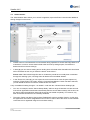
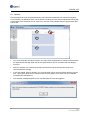
Please note: After having entered a comment, you must select the "Update" button (see chapter 6.5.)
in order to bring the displayed view up-to-date.
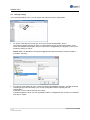
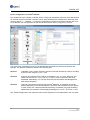
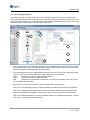
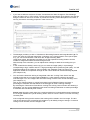
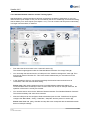
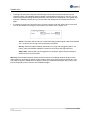
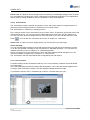
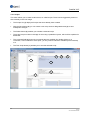
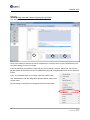
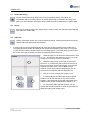
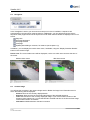
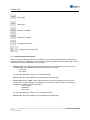
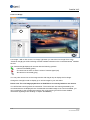
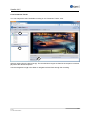
The right-click menu offers you the option of jumping directly from the event sequence to the
permanent track. The appropriate track and matching time are automatically selected in the process.
104
© 2013
ALL RIGHTS RESERVED