1
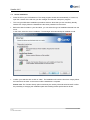
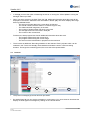
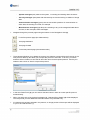
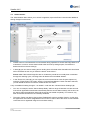
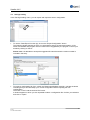
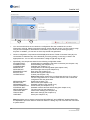
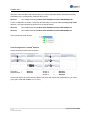
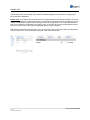
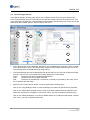
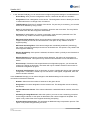
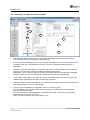
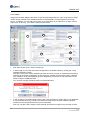
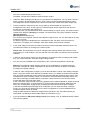
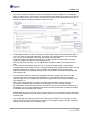
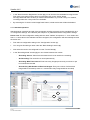
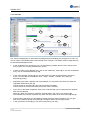
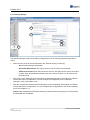
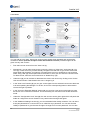
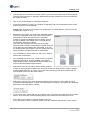
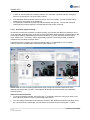
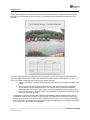
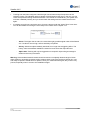
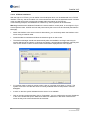
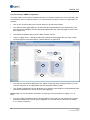
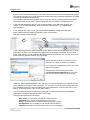
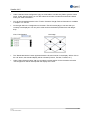
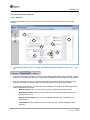
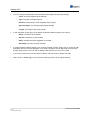
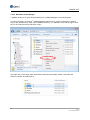
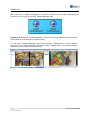
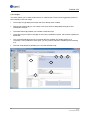
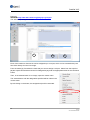
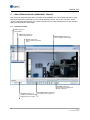
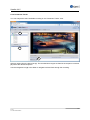
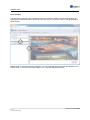
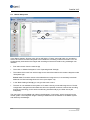
Satellite V4.5 9.2 Master-Subsystem 1 3 2 5 4 6 In the "Basic Settings" function group (1) you will find the "Tracks" menu (2). Here you can select a track to be used for a master subsystem. This enables the cascading of several recorders. You can simultaneously evaluate the live images and recordings of several recorders using a Manager user interface. First select a track from the track list (3). Then click on "Master Subsystem" in the "Operating Mode" field (4). Then select which track from which image source should be linked to this master subsystem under "Subsystem" (5). Please note: For another server to be selected as an image source, it must already have been added to the "Devices/Image Sources" menu (see chapter 3.8). In the "Basic Settings" field (6) you can give this track a name. The track is now available to the system as if it were a directly connected image source. Further configuration changes like motion detection will not be possible, however, because the recording and sensor technology for this track are still being handled locally by the other server (the subsystem). The new track is now available and visible in the Manager's "Live Image", which is logged into the master system. The subsystem image is thereby transferred over the network to the master system and utilized by the Manager. 122 © 2013 ALL RIGHTS RESERVED