1
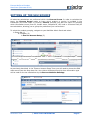
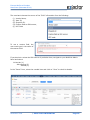
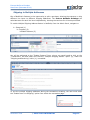
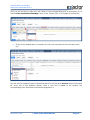
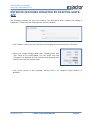
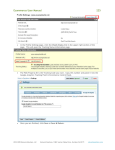
EXACTOR NETSUITE SUITEAPP USER GUIDE (NOVEMBER 2014) ENTITY EXEMPTIONS The EXACTOR SYSTEM allows the user to enter exemption information, and cross-reference between a buyer's personal exemption and any given transaction. Once a personal exemption is loaded into the EXACTOR NetSuite SuiteApp, the EXACTOR SYSTEM cross-references any new sale to that customer with the exemption information of that customer, and applies the exemption to the sale if applicable (returning $0 taxes owing). In order for EXACTOR to identify an exemption, Enable Exemption Control ID must be enabled within the Exactor NetSuite SuiteApp. To input an assigned ECN to a customer using the NetSuite customer control interface, navigate to: Lists Relationships Customers Once in the “Customer” form, select the customer you want assign the ECN to, and click “Edit”. When the customer information window opens, click the “Financial” tab and input the ECN into the Resale Number field and click “Save”. November 2014 © EXACTOR CONFIDENTIAL Page 15