1
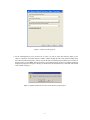
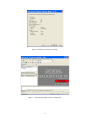
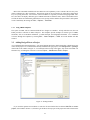
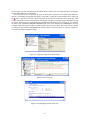
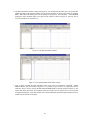
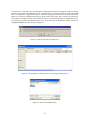
clear all devices. Click Yes. Now, the Programmer window shown in Figure 48 will appear. Make sure that the
Hardware Setup indicates the USB-Blaster. If the configuration file is not already listed in the window, press Add
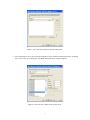
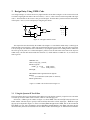
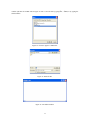
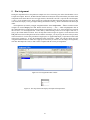
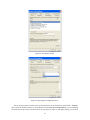
File. The pop-up box in Figure 49 will appear. Select the file light.pof in the directory introtutorial and click
Open. As a result, the configuration file light.pof will be listed in the window. This is a binary file produced by
the Compiler’s Assembler module, which contains the data to be loaded into the EPCS16 configuration device.
The extension .pof stands for Programmer Object File. Upon returning to the Programmer window, click on the
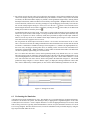
Program/Configure check box, as shown in Figure 50.
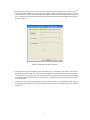
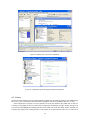
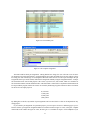
Figure 47. Clear the previously selected devices.
Figure 48. The Programmer window with Active Serial Programming selected.
Figure 49. Choose the configuration file.
28