1
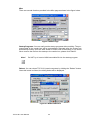
It is not allowed to backup and restore over different image versions.
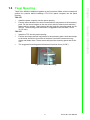
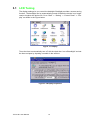
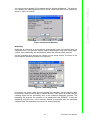
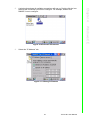
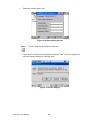
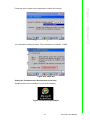
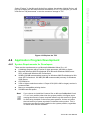
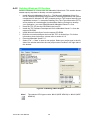
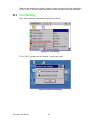
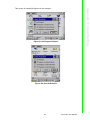
Figure 4.10 Registry Saving Success
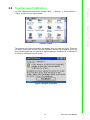
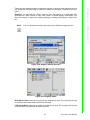
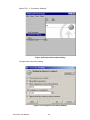
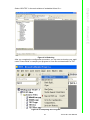
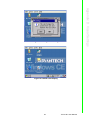
Figure 4.11 Registry Editor
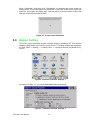
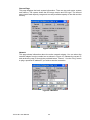
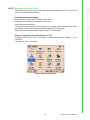
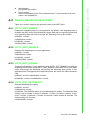
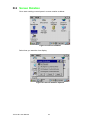
Web Server Root: Input the root path of the web server here. The root path will only
be effective after the machine has been rebooted.
FTP Server Root: Input the root path of the ftp server here. The root path will only be
effective after the machine has been rebooted.
23
TPC-31/61 User Manual
Windows CE
Note!
Chapter 4
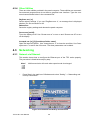
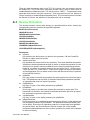
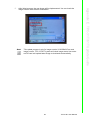
There are two additional ways to reboot the system, clicking a small machine icon on
the status bar and executing a command, reboot.exe, through a command line program.
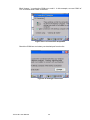
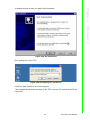
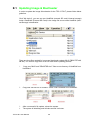
Registry: You can click the “Save” button to save the registry to a solid state disk,
and click the “View” button to view, edit, create, or delete registry information. You
also can backup or restore the registry setting by clicking the backup or restore button.