1
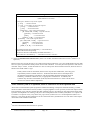
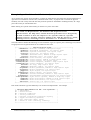
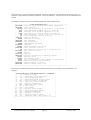
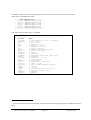
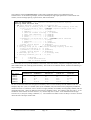
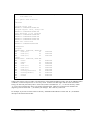
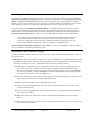
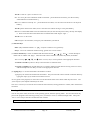
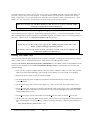
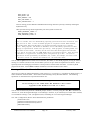
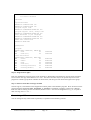
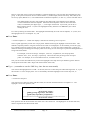
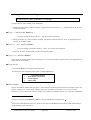
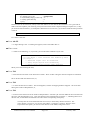
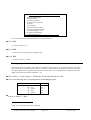
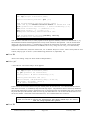
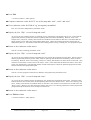
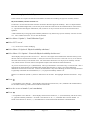
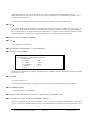
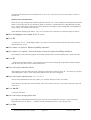
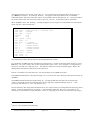
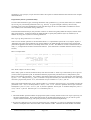
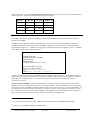
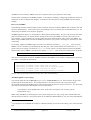
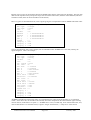
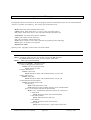
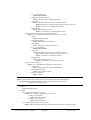
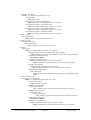
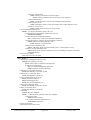
Press Enter …to pass by this question and return to the list of evaluation models. Ending the consultation ALES now displays to the list of evaluation models, with the one we've just consulted, namely ‘Tutor1’, highlighted. If you wanted to re-consult the same model, you would press ‘Return’ to select the model. However, at this point we'll leave ALES. Press F10 …to leave ALES. The screen should clear and you will be looking at the DOS prompt again. Congratulations, you’ve finished the first tutorial! With this practice in interacting with ALES, and with some idea of how ALES models can be used to evaluate a land areas, it’s time to move on to a more comprehensive example. ALES Version 4.65 Users Manual Page 64 February 1997