1
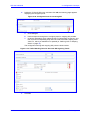
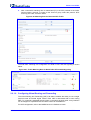
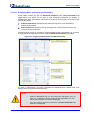
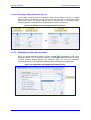
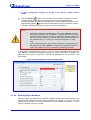
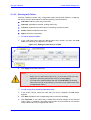
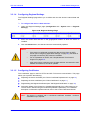
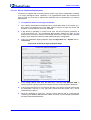
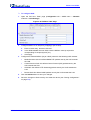
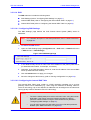
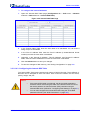
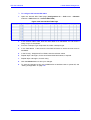
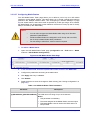
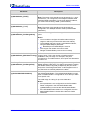
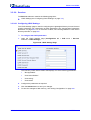
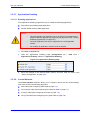
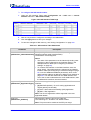
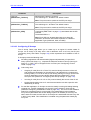
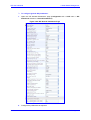
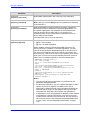
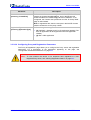
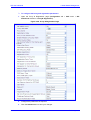
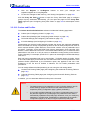
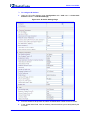
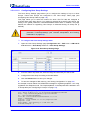
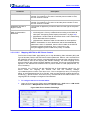
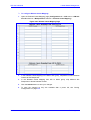
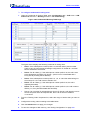
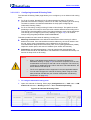
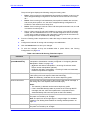
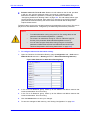
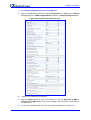
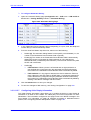
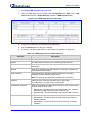
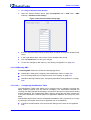
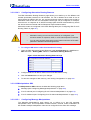
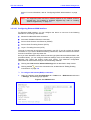
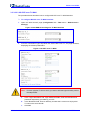
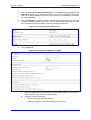
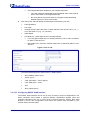
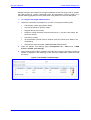
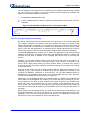
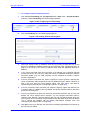
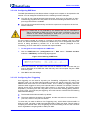
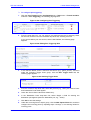
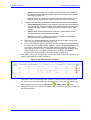
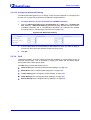
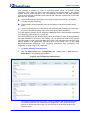
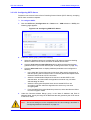
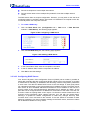
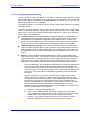
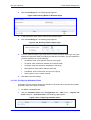
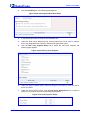
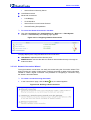
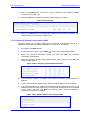
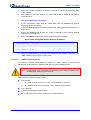
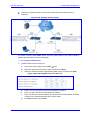
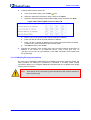
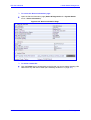
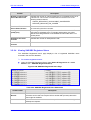
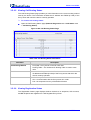
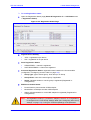
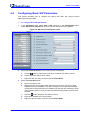
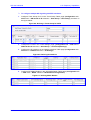
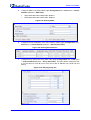
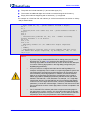
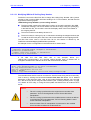
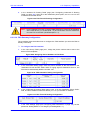
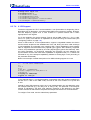
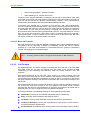
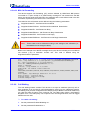
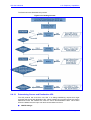
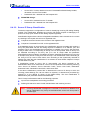
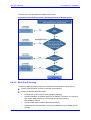
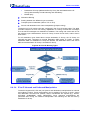
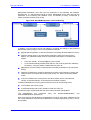
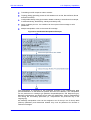
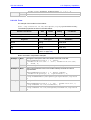
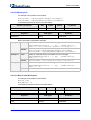
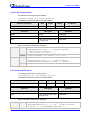
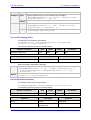
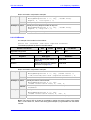
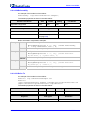
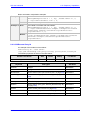
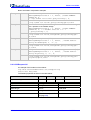
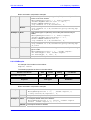
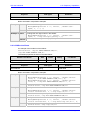
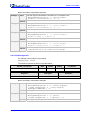
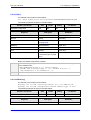
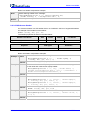
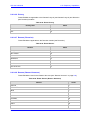
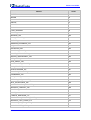
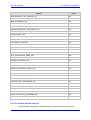
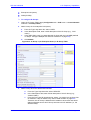
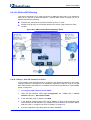
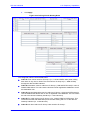
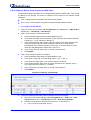
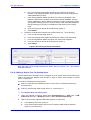
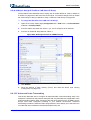
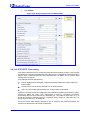
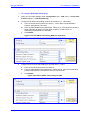
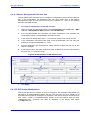
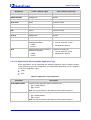
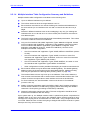
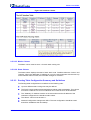
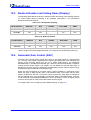
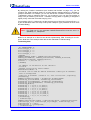
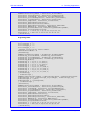
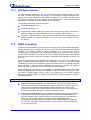
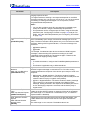
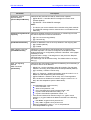
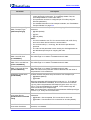
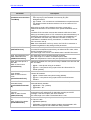
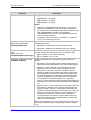
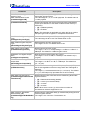
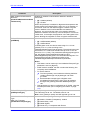
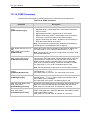
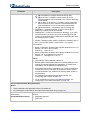
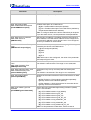
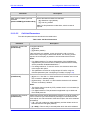
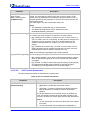
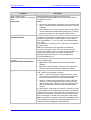
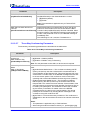
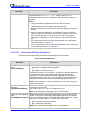
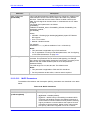
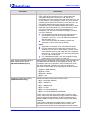
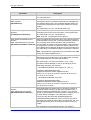
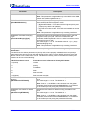
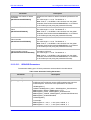
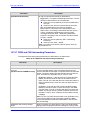
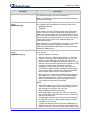
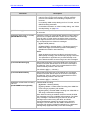
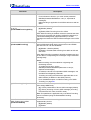
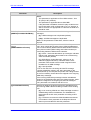
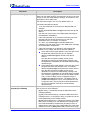
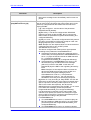
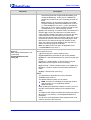
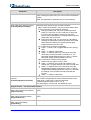
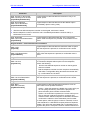
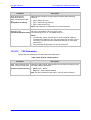
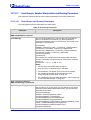
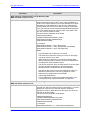
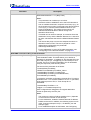
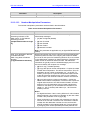
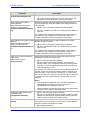
SIP User's Manual 3. Web-Based Management ¾ To view performance statistics: Open the 'Basic Statistics’ page (Status & Diagnostics tab > VoIP Status menu > Performance Statistics). Figure 3-306: Basic Statistics Page ¾ To reset the performance statistics to zero: 3.5.2.3 Click the Reset Statistics button. Viewing Call Counters The 'IP to Tel Calls Count' and 'Tel to IP Calls Count' pages provide you with statistical information on incoming (IP-to-Tel) and outgoing (Tel-to-IP) calls. The statistical information is updated according to the release reason that is received after a call is terminated (during the same time as the end-of-call Call Detail Record or CDR message is sent). The release reason can be viewed in the 'Termination Reason' field in the CDR message. You can reset the statistical data displayed on the page (i.e., refresh the display), by clicking the Reset Counters button located on the page. ¾ To view the IP-to-Tel and Tel-to-IP Call Counters pages: Open the Call Counters page that you want to view (Status & Diagnostics tab > VoIP Status menu > IP to Tel Calls Count or Tel to IP Calls Count); the figure below shows the 'IP to Tel Calls Count' page. Figure 3-307: Calls Count Page Version 6.2 351 February 2011