1
SIP User's Manual
4.
3. Web-Based Management
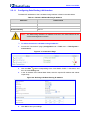
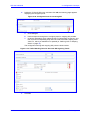
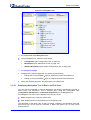
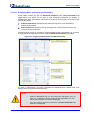
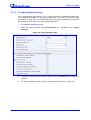
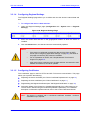
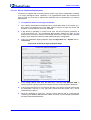
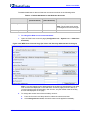
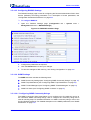
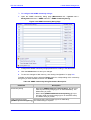
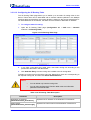
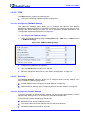
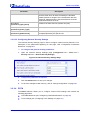
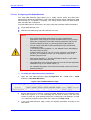
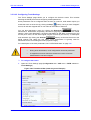
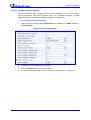
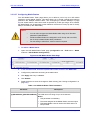
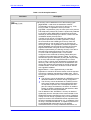
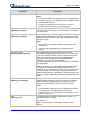
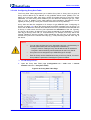
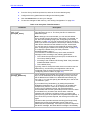
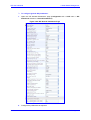
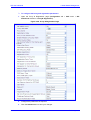
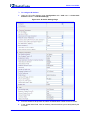
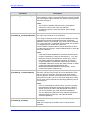
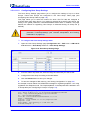
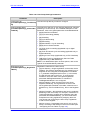
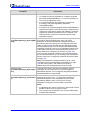
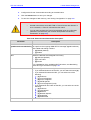
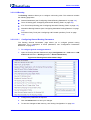
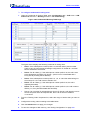
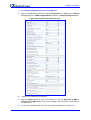
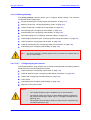
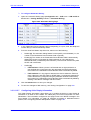
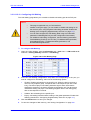
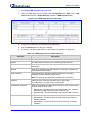
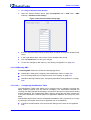
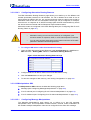
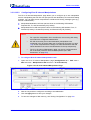
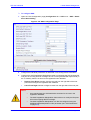
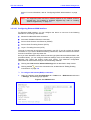
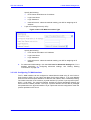
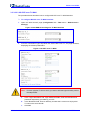
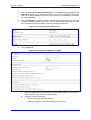
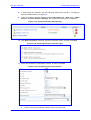
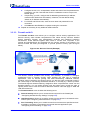
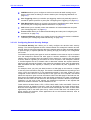
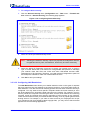
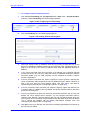
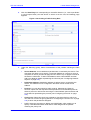
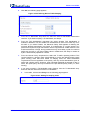
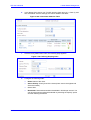
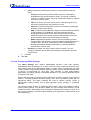
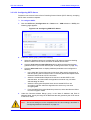
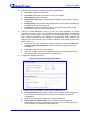
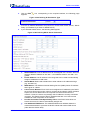
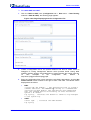
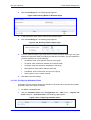
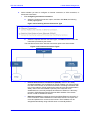
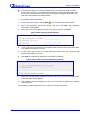
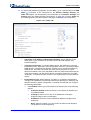
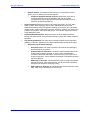
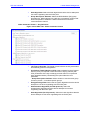
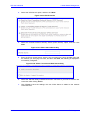
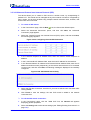
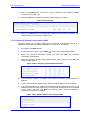
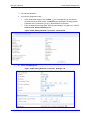
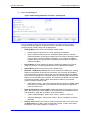
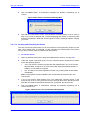
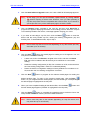
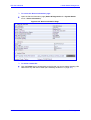
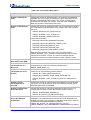
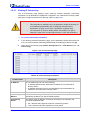
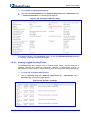
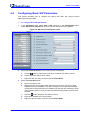
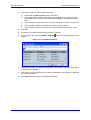
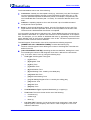
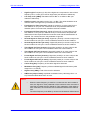
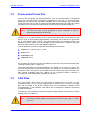
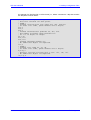
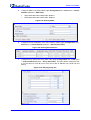
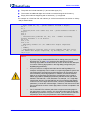
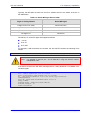
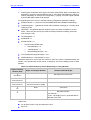
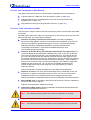
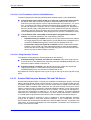
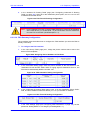
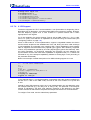
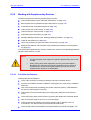
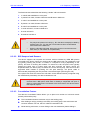
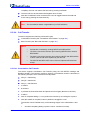
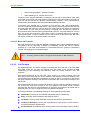
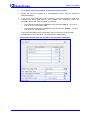
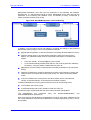
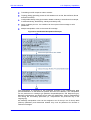
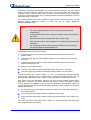
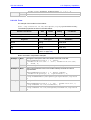
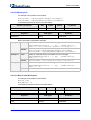
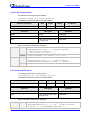
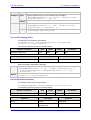
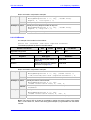
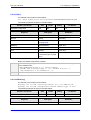
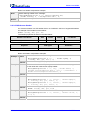
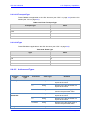
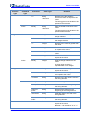
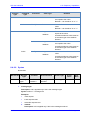
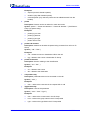
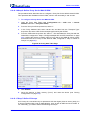
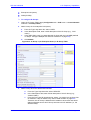
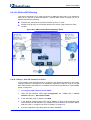
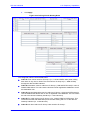
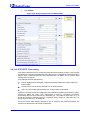
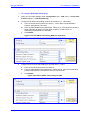
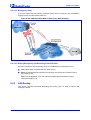
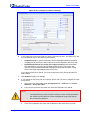
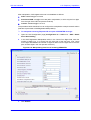
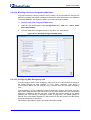
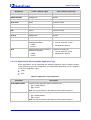
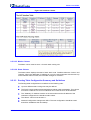
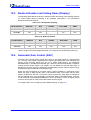
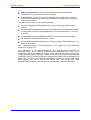
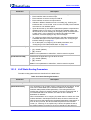
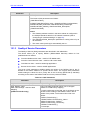
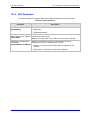
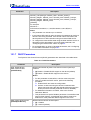
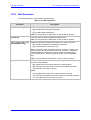
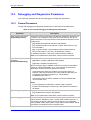
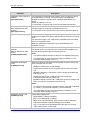
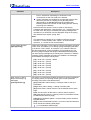
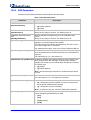
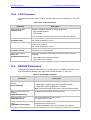
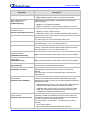
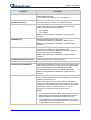
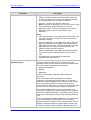
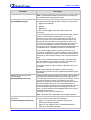
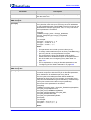
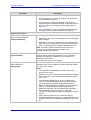
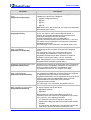
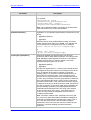
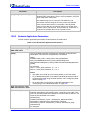
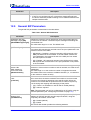
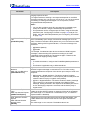
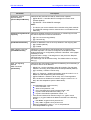
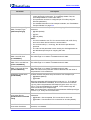
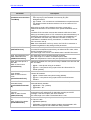
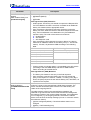
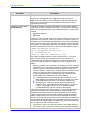
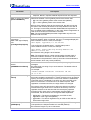
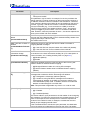
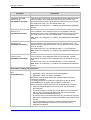
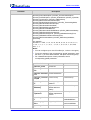
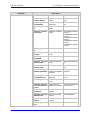
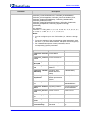
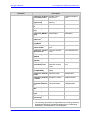
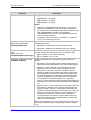
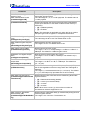
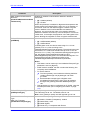
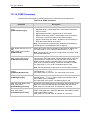
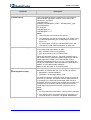
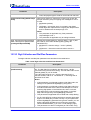
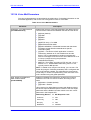
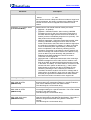
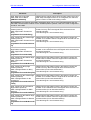
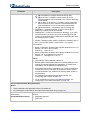
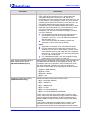
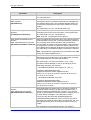
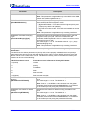
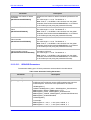
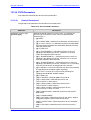
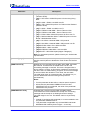
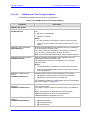
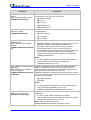
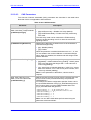
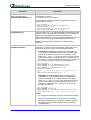
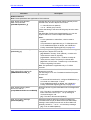
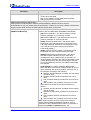
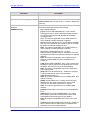
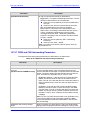
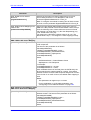
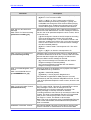
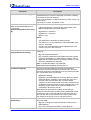
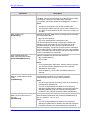
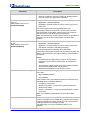
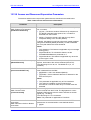
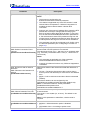
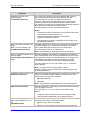
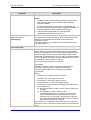
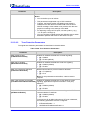
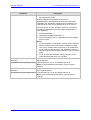
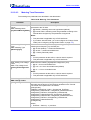
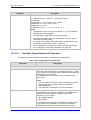
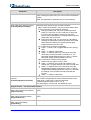
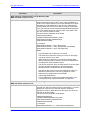
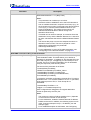
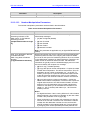
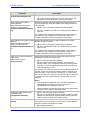
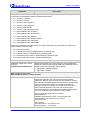
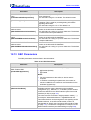
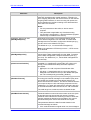
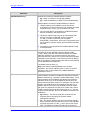
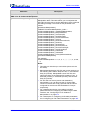
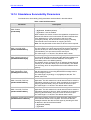
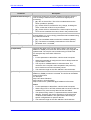
Select the Routing tab:
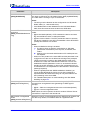
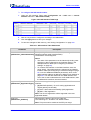
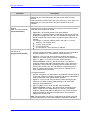
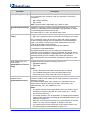
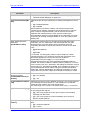
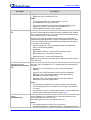
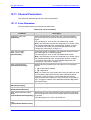
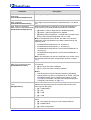
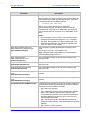
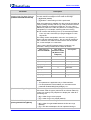
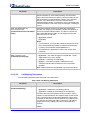
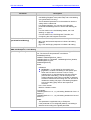
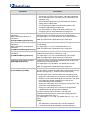
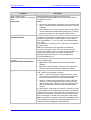
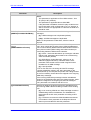
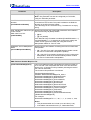
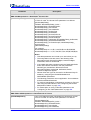
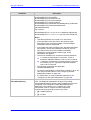
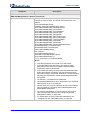
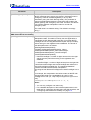
Figure 3-290: Editing Network Connection - Routing Tab
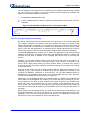
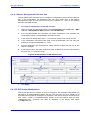
You can choose to setup your device to use static or dynamic routing. Dynamic
routing automatically adjusts how packets travel on the network, whereas static
routing specifies a fixed routing path to destinations.
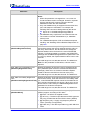
•
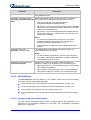
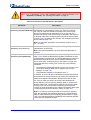
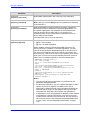
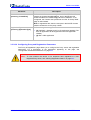
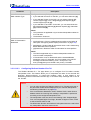
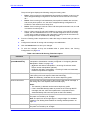
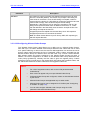
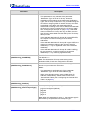
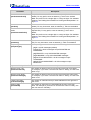
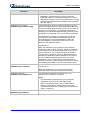
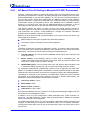
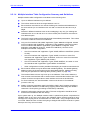
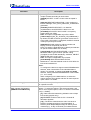
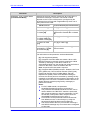
Routing Mode: select one of the following routing modes:
♦
Route: the device functions as a router between two networks.
♦
NAPT: Network Address and Port Translation (NAPT) refers to network
address translation involving the mapping of port numbers, allowing multiple
hosts to share a single IP address. Use NAPT if your LAN encompasses
multiple devices, a topology that necessitates port translation in addition to
address translation.
•
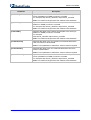
Device Metric: a value used by the device to determine whether one route is
superior to another, considering parameters such as bandwidth and delay.
•
Default Route: defines this device as a the default route.
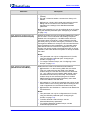
•
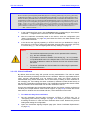
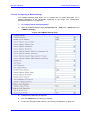
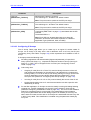
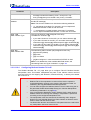
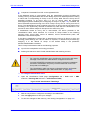
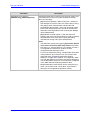
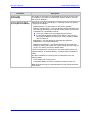
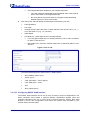
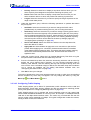
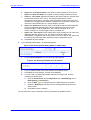
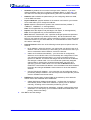
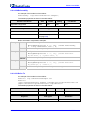
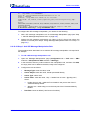
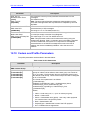
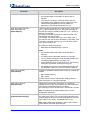
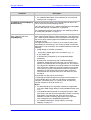
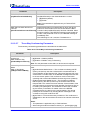
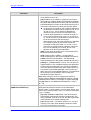
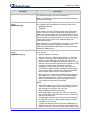
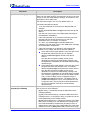
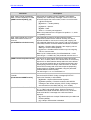
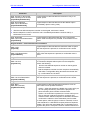
Multicast – IGMP Proxy Internal: the device serves as an IGMP proxy, issuing
IGMP host messages on behalf of its LAN hosts. This check box is enabled on
LAN connections by default, meaning that if a LAN multicast server is available,
other LAN hosts asking to join multicast groups (by sending IGMP requests) are
able to join its multicast group. However, this check box is disabled on the WAN
connection by default, meaning that LAN hosts are unable to join multicast
groups of WAN multicast servers.
♦
•
•
Version 6.2
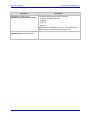
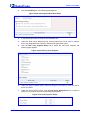
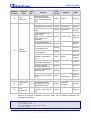
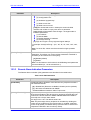
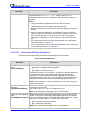
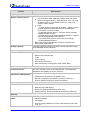
IGMP Query Version - the device supports all three versions of IGMP. Select
the version you would like to use. Note that this drop-down list appears for
LAN connections only.
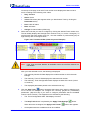
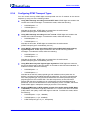
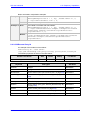
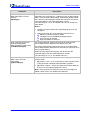
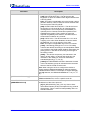
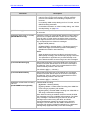
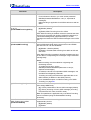
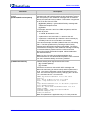
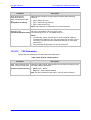
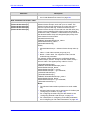
Routing Information Protocol (RIP): enables the Routing Information Protocol
(RIP). RIP determines a route based on the smallest hop count between source
and destination. When RIP is enabled, select the following:
♦
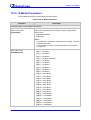
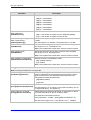
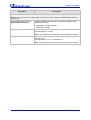
Listen to RIP Messages - select 'None', 'RIPv1', 'RIPv2' or 'RIPv1/2'.
♦
Send RIP Messages - select 'None', 'RIPv1', 'RIPv2 - Broadcast' or 'RIPv2 Multicast'.
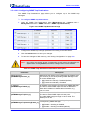
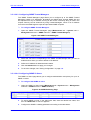
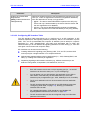
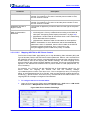
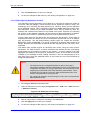
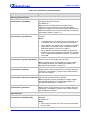
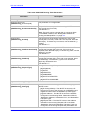
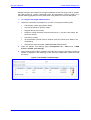
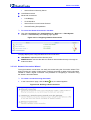
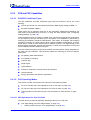
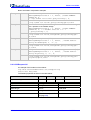
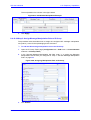
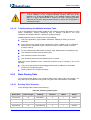
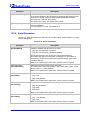
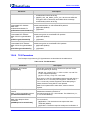
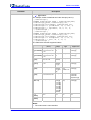
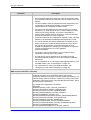
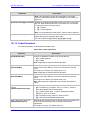
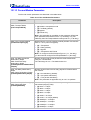
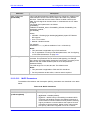
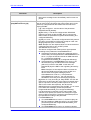
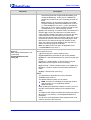
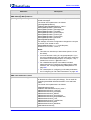
Routing Table: allows you to add or modify routes when this host is active. Use
the New Route link to add a route or edit existing routes. To learn more about
this feature, see ''Routing Settings'' on page 276.
331
February 2011