1
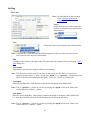
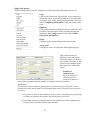
Plasma cut
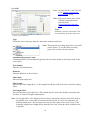
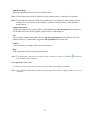
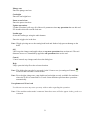
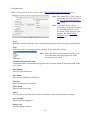
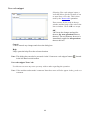
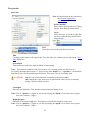
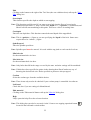
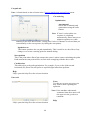
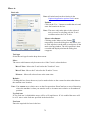
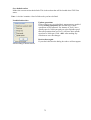
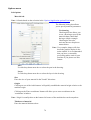
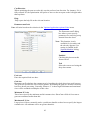
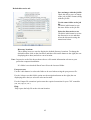
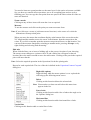
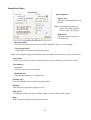
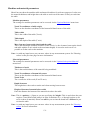
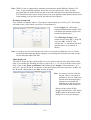
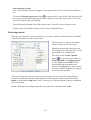
Basic tab
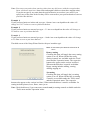
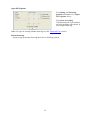
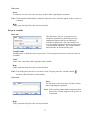
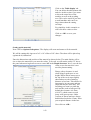
Note: All units based on the selection in the 'Options\Application options\Units' menu.
Note: If you need to use a plasma
cutter to pierce holes at specific
locations the 'Drilling operation'
can be used with a plasma tool
setting for this purpose. See the
'Drilling operation' page for more
information.
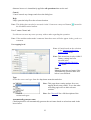
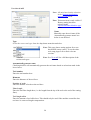
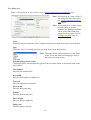
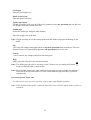
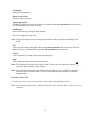
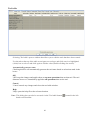
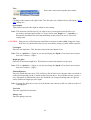
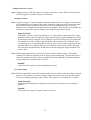
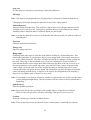
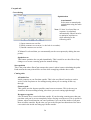
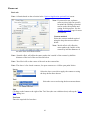
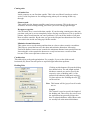
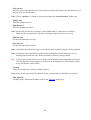
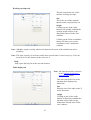
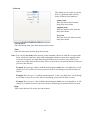
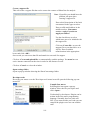
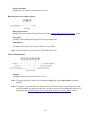
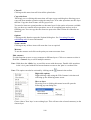
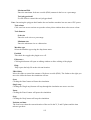
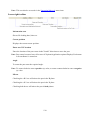
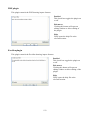
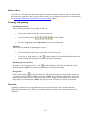
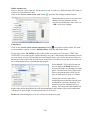
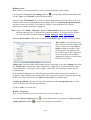
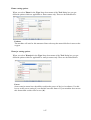
Contour method
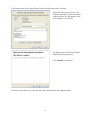
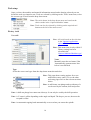
Select the contour method required
using the drop down menu shown
below.
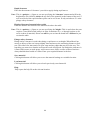
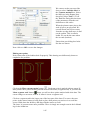
Note: 'Inside offset' will offset the
cutter path to the 'inside' of the
contour by half the diameter of
the kerf of the tool chosen below.
Note: 'Outside offset' will offset the cutter path to the 'outside' of the contour by half the
diameter of the kerf of the tool chosen below.
Note: 'No offset' will set the centre of the tool on the contour line.
Note: The above is for closed contours, for open contours see ‘Offset open paths' below.
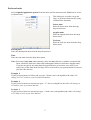
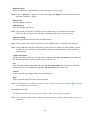
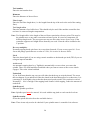
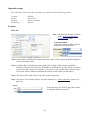
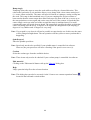
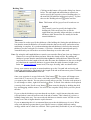
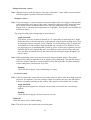
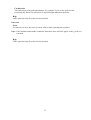
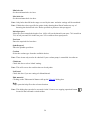
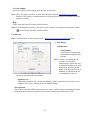
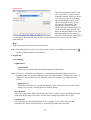
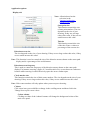
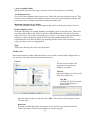
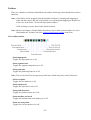
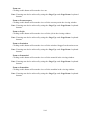
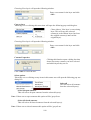
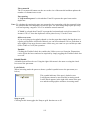
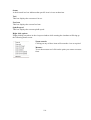
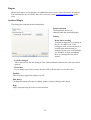
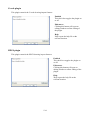
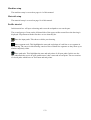
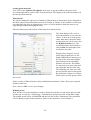
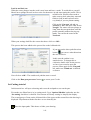
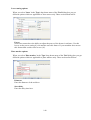
Layer
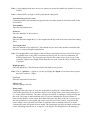
Select the layer you wish to apply the contour to using
the drop down menu shown.
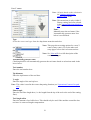
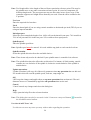
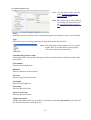
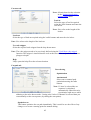
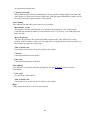
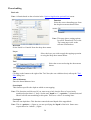
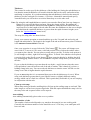
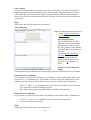
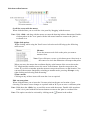
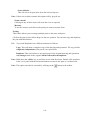
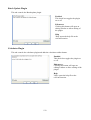
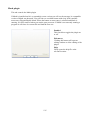
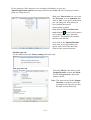
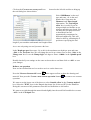
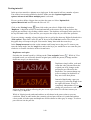
Tool
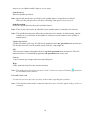
Select the correct tool using the down menu shown.
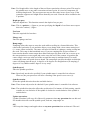
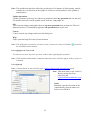
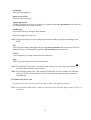
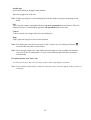
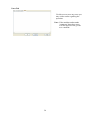
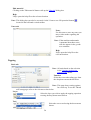
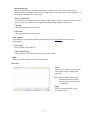
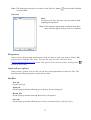
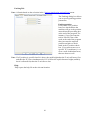
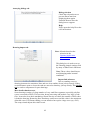
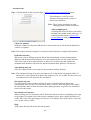
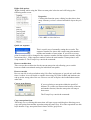
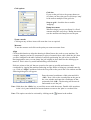
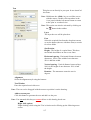
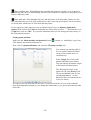
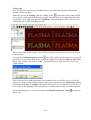
Edit
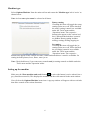
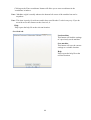
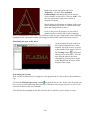
Clicking on the button to the right of the 'Tool' box (the one with three dots) calls up the 'Tool
Edit' dialog box.
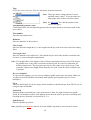
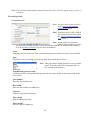
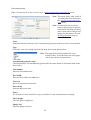
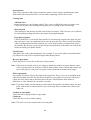
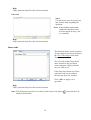
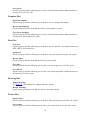
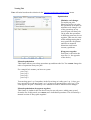
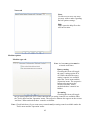
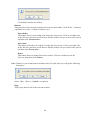
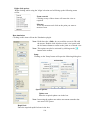
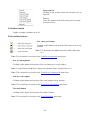
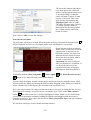
Feed rate
Enter the required feed rate here.
61