1
2.11 87K Digital Input Counter
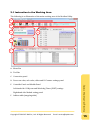
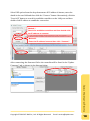
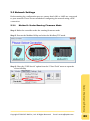
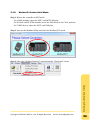
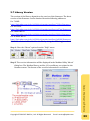
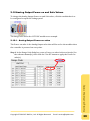
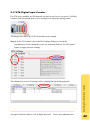
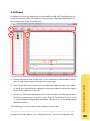
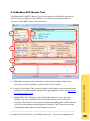
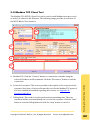
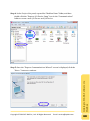
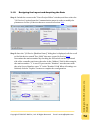
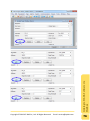
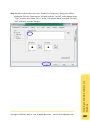
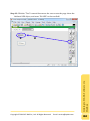
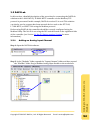
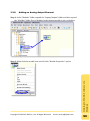
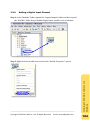
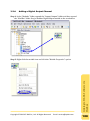
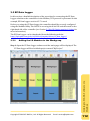
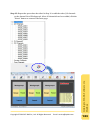
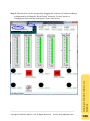
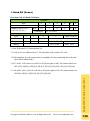
For 87K series modules, the DI channels can also be used as a Low-speed (<100Hz)
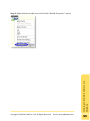
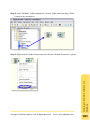
counter. Click the module that is to be configured to open the Settings panel.
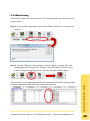
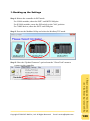
The image here shows the I-87046 module as an example.
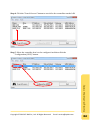
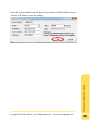
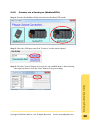
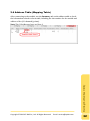
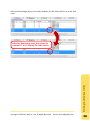
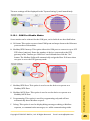
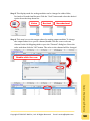
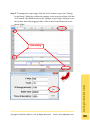
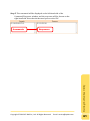
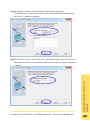
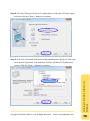
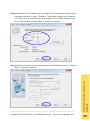
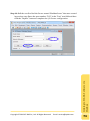
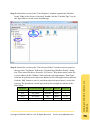
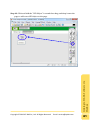
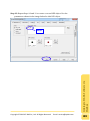
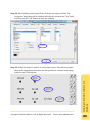
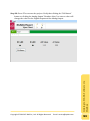
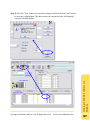
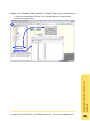
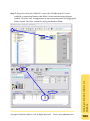
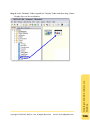
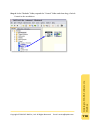
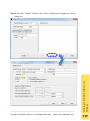
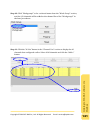
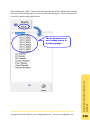
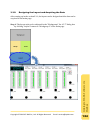
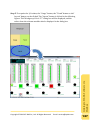
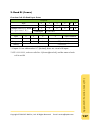
The channel set to be a DI counter will be displayed in the AI Mapping tab.
Copyright © 2013 ICP DAS Co., Ltd. All Rights Reserved. E-mail: [email protected]
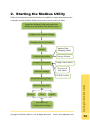
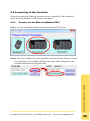
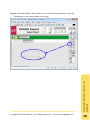
Starting the Modbus Utility
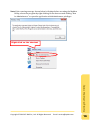
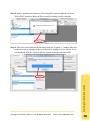
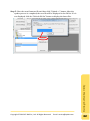
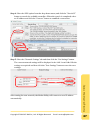
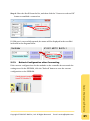
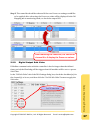
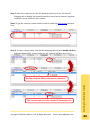
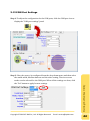
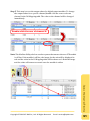
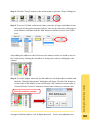
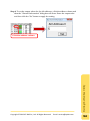
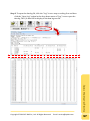
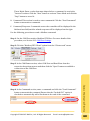
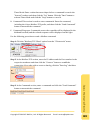
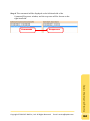
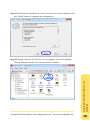
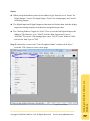
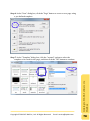
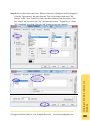
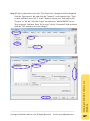
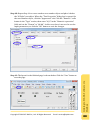
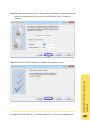
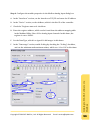
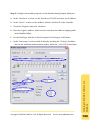
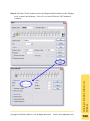
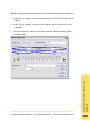
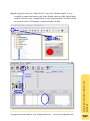
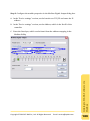
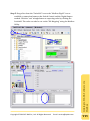
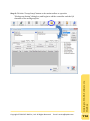
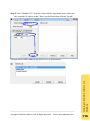
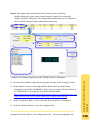
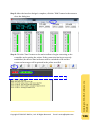
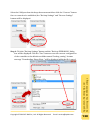
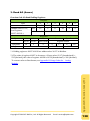
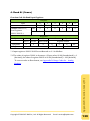
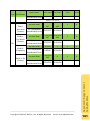
Step 1: In the “DI Counter” tab of the DIO Settings dialog box, check the
checkbox(es) for the channel(s) to be set, and then click the “Set DI Counter”
button to apply the new settings.
42