1
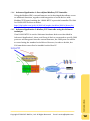
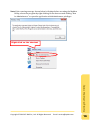
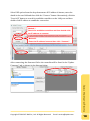
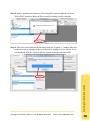
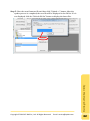
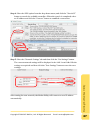
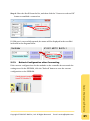
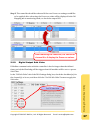
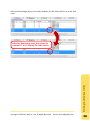
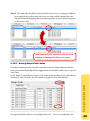
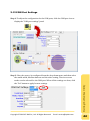
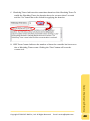
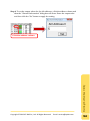
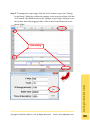
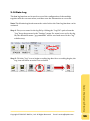
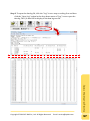
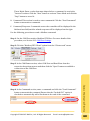
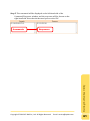
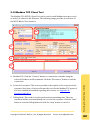
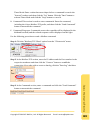
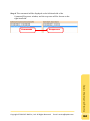
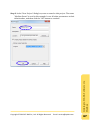
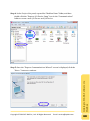
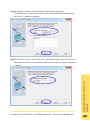
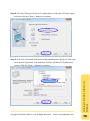
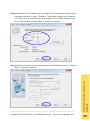
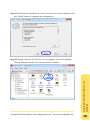
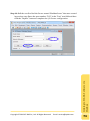
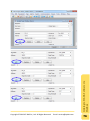
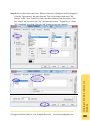
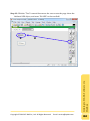
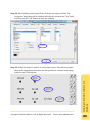
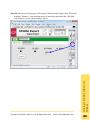
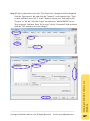
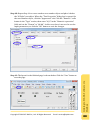
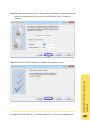
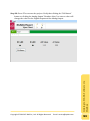
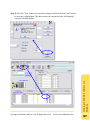
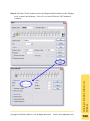
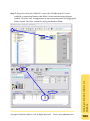
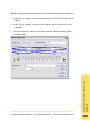
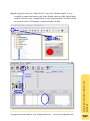
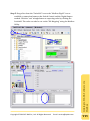
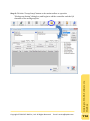
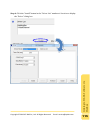
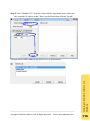
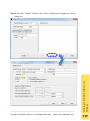
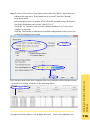
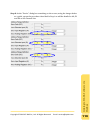
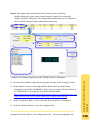
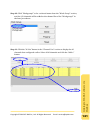
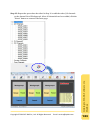
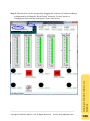
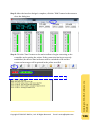
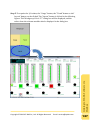
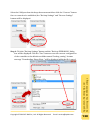
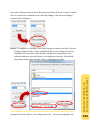
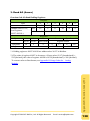
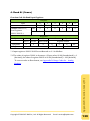
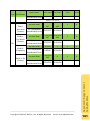
Step 4: To set the output values for the AO addresses, click the address column and
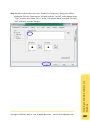
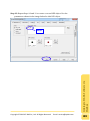
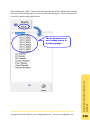
then the “Channel Information” dialog box will show. Enter the output value
and then click the “Set” button to apply the setting.
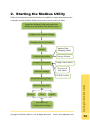
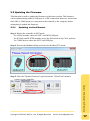
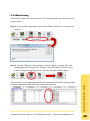
Starting the Modbus Utility
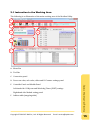
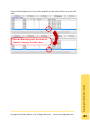
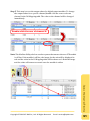
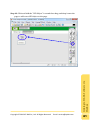
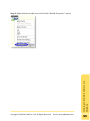
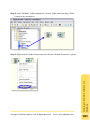
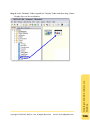
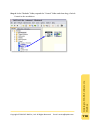
Click the address column.
Copyright © 2013 ICP DAS Co., Ltd. All Rights Reserved. E-mail: [email protected]
54