1
CHAPTER 3 CONNECTION OF PROGRAMMING TOOLS AND GOT
3.3
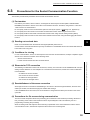
Searching CPU Modules on the Network
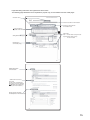
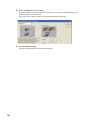
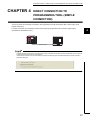
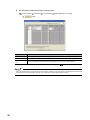
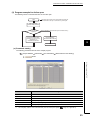
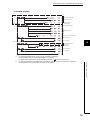
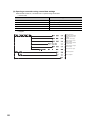
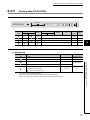
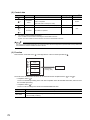
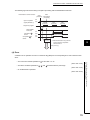
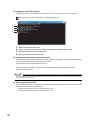
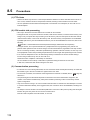
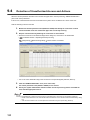
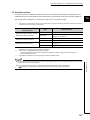
In a configuration using a hub, clicking
in the "PLC side I/F Detailed Setting of PLC
Module" dialog box will start searching for CPU modules connected to the hub where the programming tool is also
connected, and display a list of them.
3
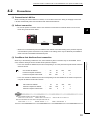
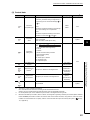
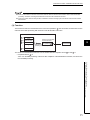
Clicking this button will
automatically enter the
IP address of the CPU
module.
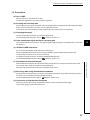
• CPU modules connected via a router cannot be searched.
• Some CPU modules connected via wireless LAN may not be found since Ethernet communication may not
be stable due to packet loss.
• If multiple CPU modules with the same IP address are found in the list, check the IP address parameters for
the CPU modules. Starting communication with the IP address duplicated will cause a communication error.
• Appropriate CPU modules may not be found if a heavy load for service processing is applied.
Increase the response waiting time value in the "Find CPU (Built-in Ethernet port)" dialog box, or the service
processing time value in the Service processing setting tab of PLC parameter.
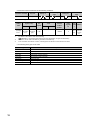
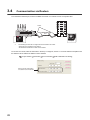
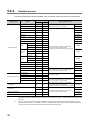
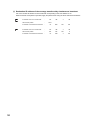
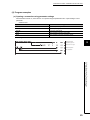
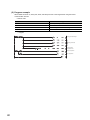
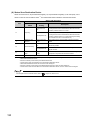
• By selecting the option shown below in the Built-in Ethernet port tab of PLC parameter, the Find CPU
function can be disabled and the system does not respond to a search request on the network.
27
3.3 Searching CPU Modules on the Network
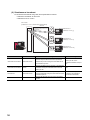
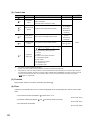
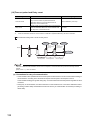
• CPU modules connected to cascaded hubs are also searched and a list of them is displayed.