1
InventoryControl Printable Help
19.4 WDT2200 - Receiving Data from PDT
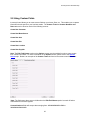
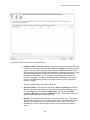
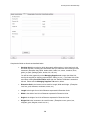
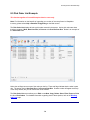
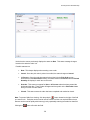
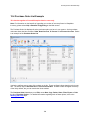
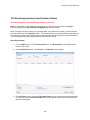
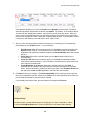
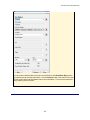
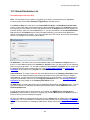
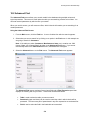
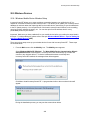
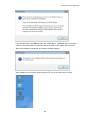
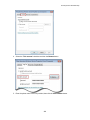
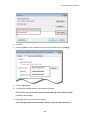
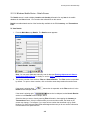
The Receive Data from PDT function is used to transfer data from the PDT to the PC.
Receiving Data from the PDT:
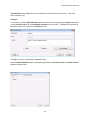
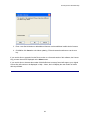
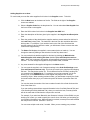
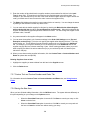
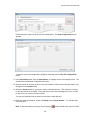
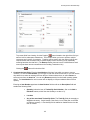
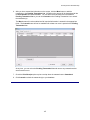
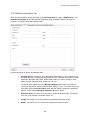
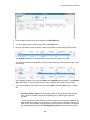
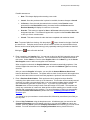
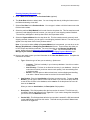
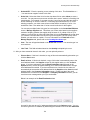
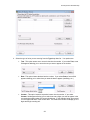
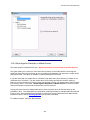
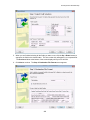
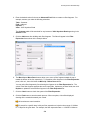
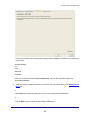
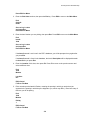
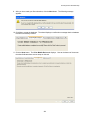
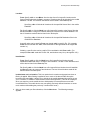
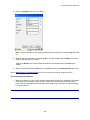
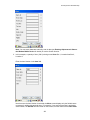
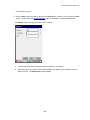
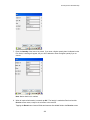
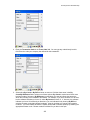
1. If you are continuing the setup process, click the Next button at the bottom of the Create PDT
Database tab, or click the PC to Mobile Device tab. (You must create the mobile database
before you can send it to the device.) Please refer to the WDT 2200 - Creating the PDT
Database topic for more information.
OR
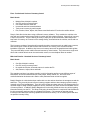
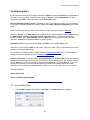
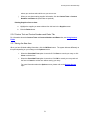
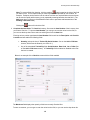
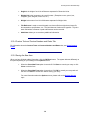
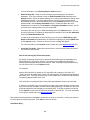
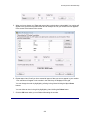
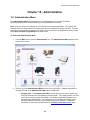
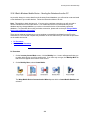
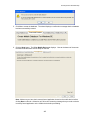
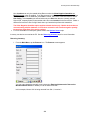
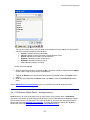
If you are creating a database for a device that already has the program, from the
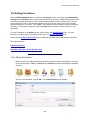
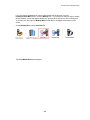
InventoryControl Main screen, click the Mobility icon. If you have more than one type of mobile
device installed, a menu will appear allowing you to select which device you will be working with.
If you have only one type, the Mobility Menu for that device will appear at the bottom of the
screen.
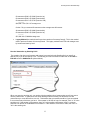
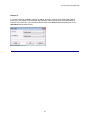
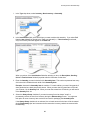
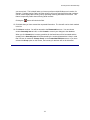
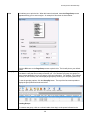
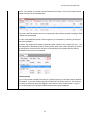
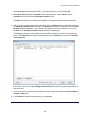
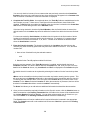
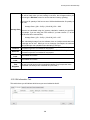
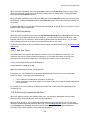
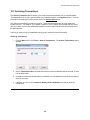
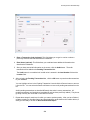
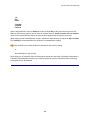
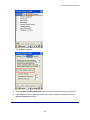
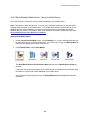
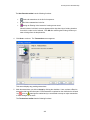
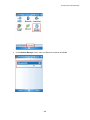
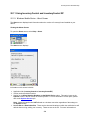
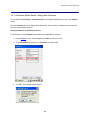
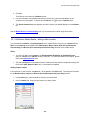
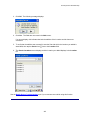
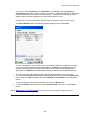
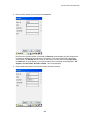
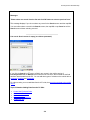
On the Mobility Menu, select Retreive Data From.
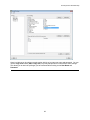
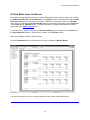
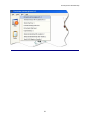
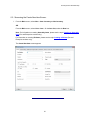
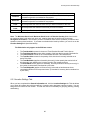
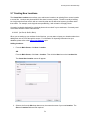
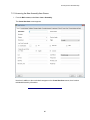
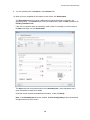
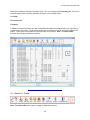
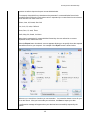
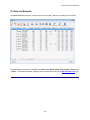
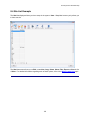
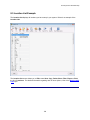
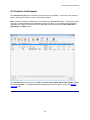
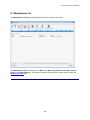
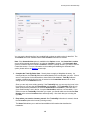
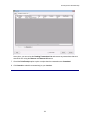
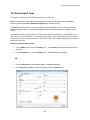
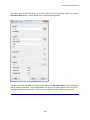
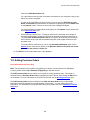
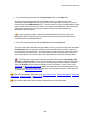
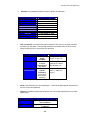
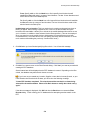
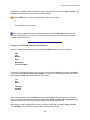
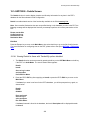
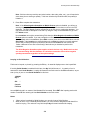
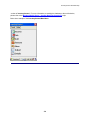
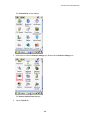
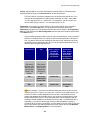
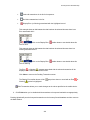
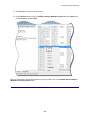
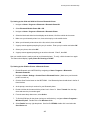
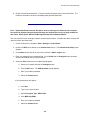
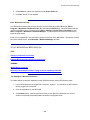
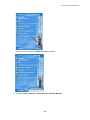
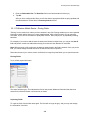
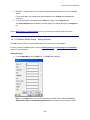
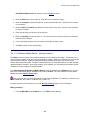
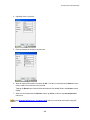
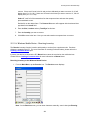
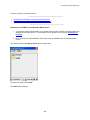
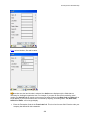
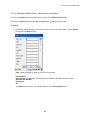
The Receive Data from PDT function can be accessed via the Mobile Devices > PDT > WDT2200 >
Receive Data from PDT menu item:
304