1
InventoryControl Printable Help
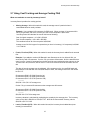
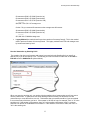
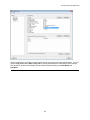
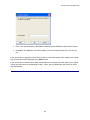
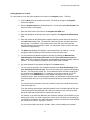
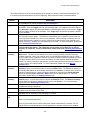
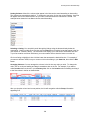
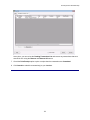
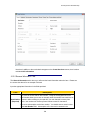
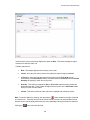
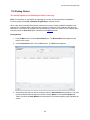
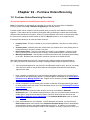
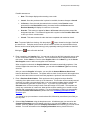
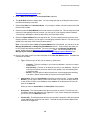
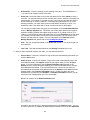
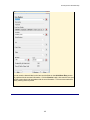
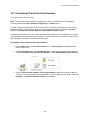
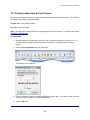
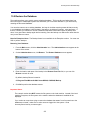
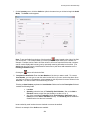
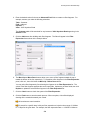
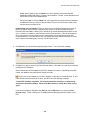
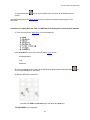
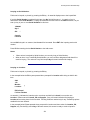
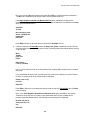
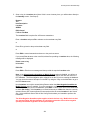
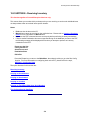
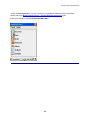
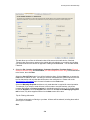
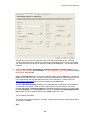
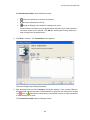
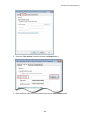
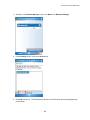
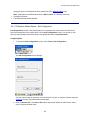
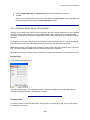
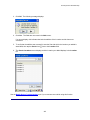
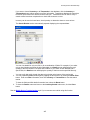
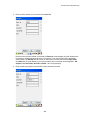
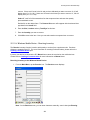
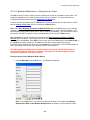
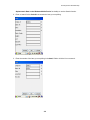
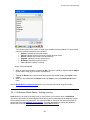
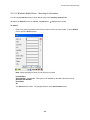
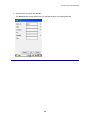
9. Double click the Bluetooth printer. From the resulting drop down menu, select Serial Port. The
COM port selected for the device will display along with the Baud Rate.
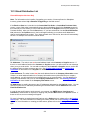
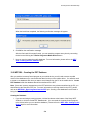
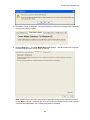
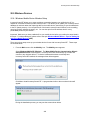
Error: "System.Net.Sockets.Socket Exception: An error message is available for the exception
but cannot be displayed because these messages are optional and are not currently installed on
this device. Please install .NETCFv35.Messages.EN.wm.cab to Windows Mobile."
This is a connection error meaning the device cannot find the network. To enable the device to locate the
network, perform the follow steps:
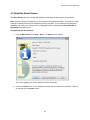
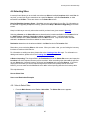
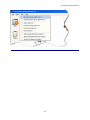
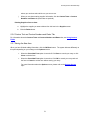
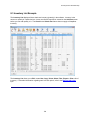
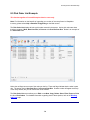
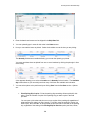
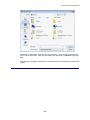
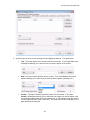
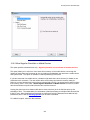
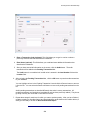
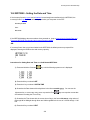
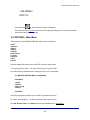
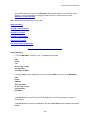
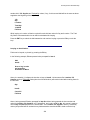
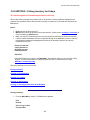
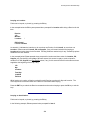
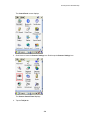
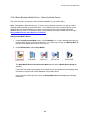
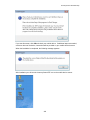
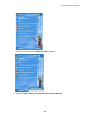
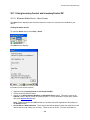
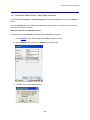
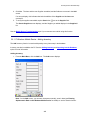
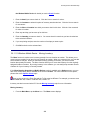
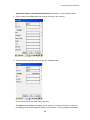
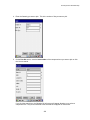
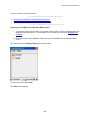
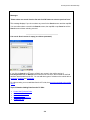
1. On the mobile device, navigate to Start > Settings > Control Panel.
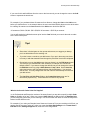
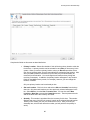
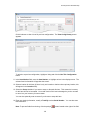
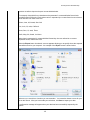
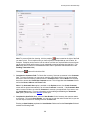
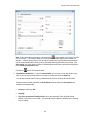
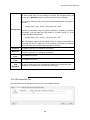
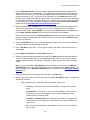
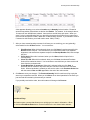
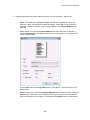
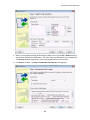
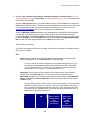
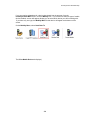
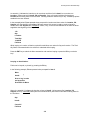
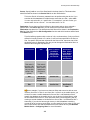
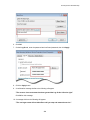
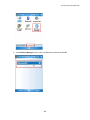
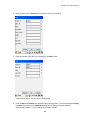
2. Double click Wifi icon at bottom of the Control Panel screen. The Summit Client Utility screen
appears.
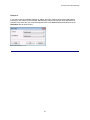
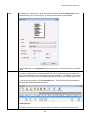
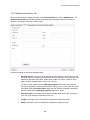
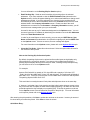
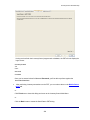
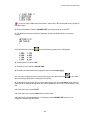
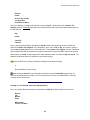
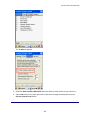
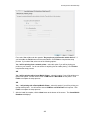
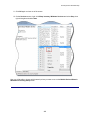
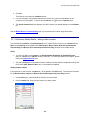
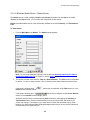
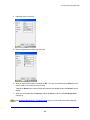
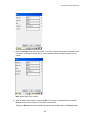
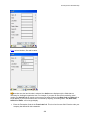
3. On the Main tab (the first tab on the screen), select the Admin Login button.
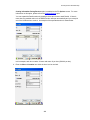
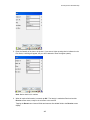
4. Enter your password in the password field. On the Profile tab the Configure button at bottom
will become enabled after you login as Admin.
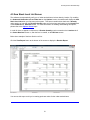
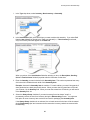
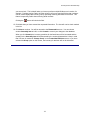
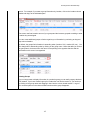
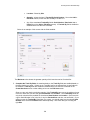
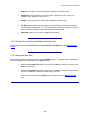
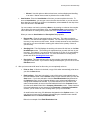
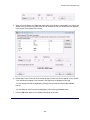
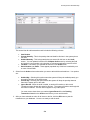
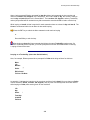
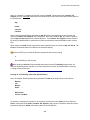
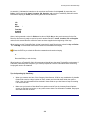
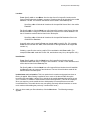
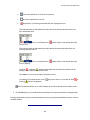
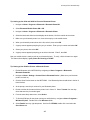
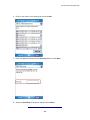
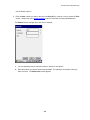
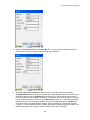
5. Select the Scan button and your network should appear.
a. Select your network and click the Configure button.
b. Click the OK button. The PSK password prompt appears.
c.
Enter your network password.
d. Select the Commit button.
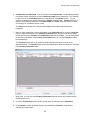
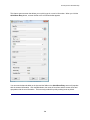
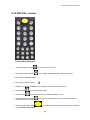
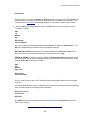
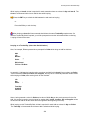
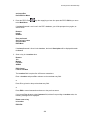
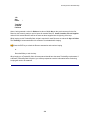
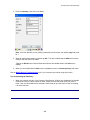
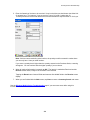
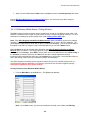
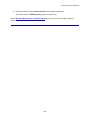
If your network does not appear:
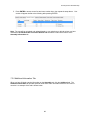
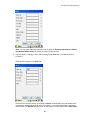
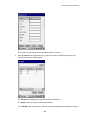
a. Click New.
b. Type in your network name.
c.
Select Encryption Type: WPA2-PSK.
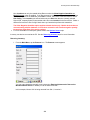
d. Click WEP keys/PSKs.
e. Enter your network password.
f.
Select the Commit button.
428